
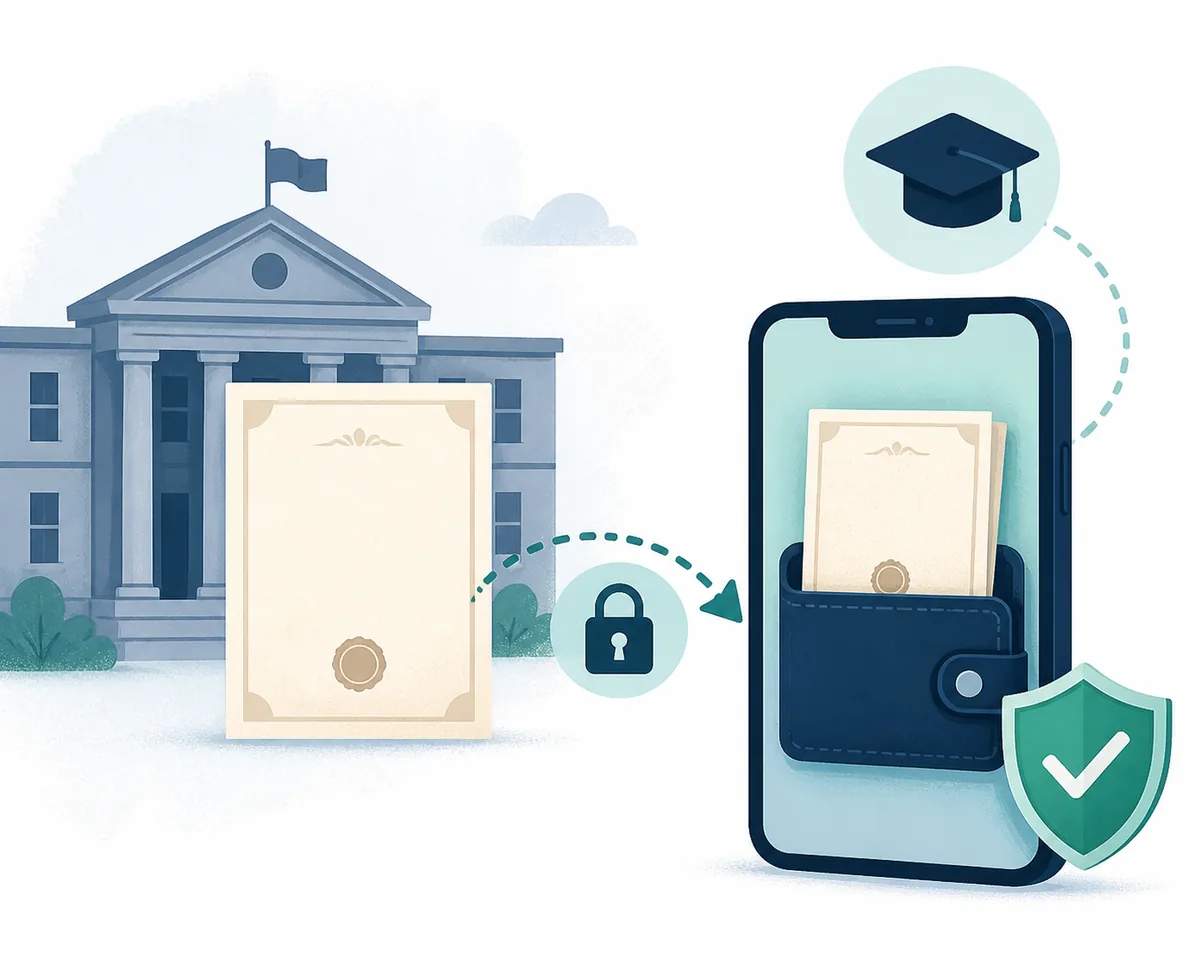
Start an education certificate download by choosing the record
The fastest safe route is to identify the document named by the school, college, employer or receiving authority. A Class 10 or Class 12 marksheet is normally handled by a board or DigiLocker. A migration certificate may come from a board or university. A degree or diploma certificate is usually tied to the institution that issued it and may appear through the National Academic Depository or DigiLocker. These documents can sit beside one another in a portal, but they are not interchangeable.
Before you search, write down the board or university, examination year, roll or registration number, name spelling and the document type. An education certificate download is possible only when the issuing authority has published that record or has an online reissue process. If the PDF is not available, use the official status, correction or duplicate-document route instead of a third-party mirror.
Choose the education certificate route that matches your record
Five steps before you download an education certificate
- Copy the exact document name: Check whether the request says marksheet, passing certificate, provisional certificate, migration certificate, degree, diploma or transcript. Ask the receiving organisation when two names look similar.
- Identify the issuer: Record the school board, university, examination authority or state repository that issued the document. A college name alone may not identify the correct academic depository.
- Prepare matching details: Keep the roll or registration number, year of passing, examination session, name spelling and any institution code exactly as shown on the admit card or old record.
- Select download or status: Use download when the document is already issued, status when a request is pending, and correction or reissue when a field is wrong or the old record is not digitised.
- Review the issued PDF: Check the name, marks, subjects, examination year, certificate number, QR code or digital signature before printing or sending the file to a school, employer or authority.
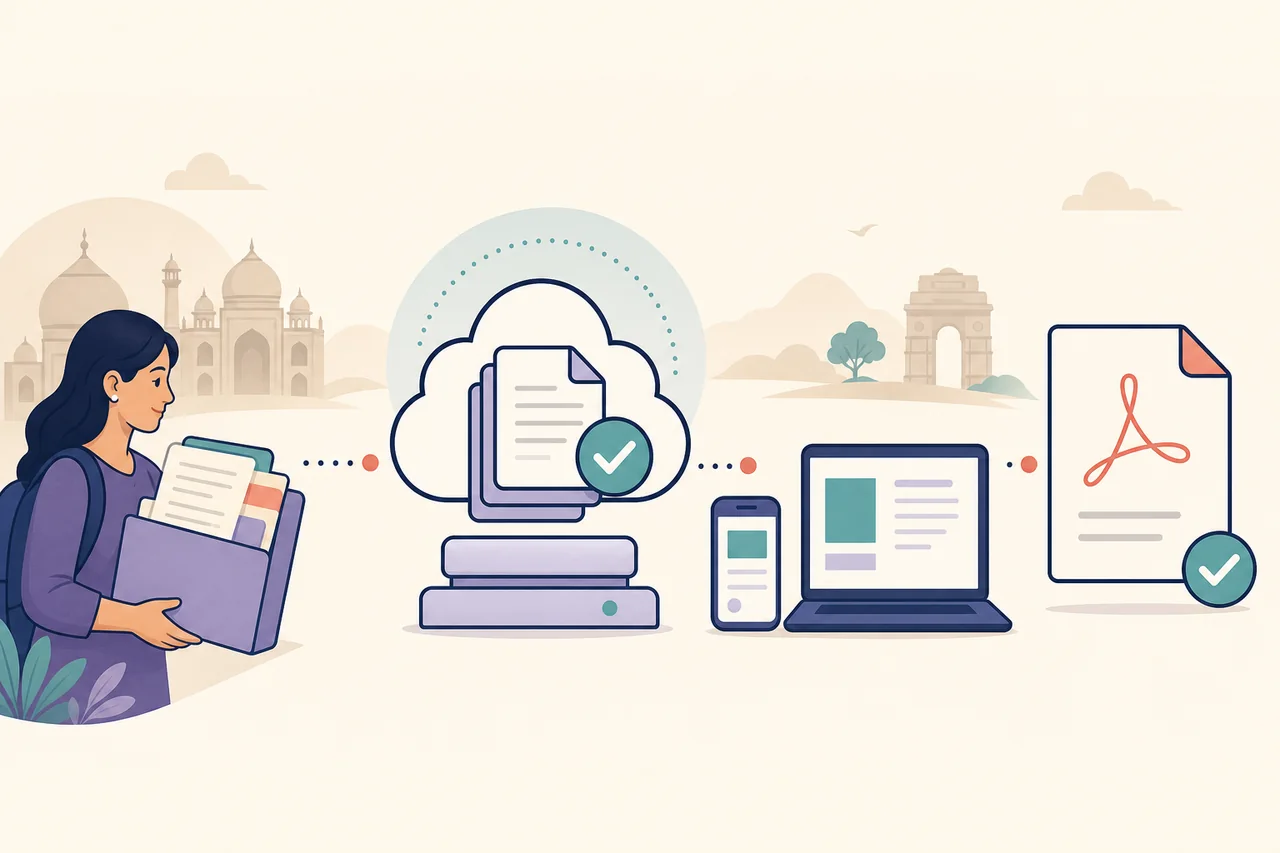
DigiLocker marksheet download and issued documents
DigiLocker is a common path for board marksheets, passing certificates and some university awards, but it does not create a record that the issuer has not published. After signing in through the official service, use Search Documents or the education category, select the exact board or institution, choose the document type and enter the requested academic details. The record is normally saved in Issued Documents before the PDF button becomes available.
The fields differ by issuer. A school board may ask for a roll code, roll number and year; a university may ask for roll number, registration number, examination month, semester or year of passing. Read the issuer name carefully because similar abbreviations can lead to the wrong result. Keep the consent and issuer-selection screens in mind, but never share an OTP or Aadhaar details with a guide, agent or social-media account.
- Use digilocker.gov.in or the official app, not a look-alike download page.
- Choose the document issued by your board or institution, then verify the name and year.
- Save the original digital file and preserve its QR code, signature and document URI.
10th and 12th marksheet download routes
For a Class 10 or Class 12 marksheet, start with the board printed on the admit card, result notice or previous certificate. Some boards publish a direct result or certificate portal, while others route digital documents through DigiLocker or an academic repository. The route can also change by examination year. A current result page may not contain older records, so use the board's archive, duplicate-document or regional-office instructions when the normal search returns nothing.
Do not treat a result page, a provisional statement and a final marksheet as the same output. Admission offices may ask for a passing certificate, migration certificate or original board document in addition to marks. When a portal offers several downloads, compare the label and certificate number with the receiving organisation's request before choosing a file.
- Confirm whether the form expects marks, a passing certificate or both.
- Use the examination year and roll number from the official record, including leading zeroes.
- Link to the board's correction or duplicate route when a spelling or date is wrong.
Migration, degree and university certificates
A migration certificate is a separate document used when a student moves between boards or institutions. It may be issued by the previous board, university or examination authority, and the receiving institution may specify the acceptable format. A marksheet proves academic results; it does not automatically prove that migration permission was issued. Use the migration guide when the admission checklist names migration, and keep the application or dispatch reference for status checks.
Degree, diploma and transcript downloads are usually institution-specific. The university may publish awards through DigiLocker or the National Academic Depository, yet the document type, year range and required registration details can vary. If the institution is missing from the search list, contact its examination or registrar office through the official domain. Do not upload a private certificate to an unofficial service that promises to fetch it for you.
How to verify the official education certificate portal
A trustworthy education certificate download starts at a domain that belongs to the board, university, government service directory or DigiLocker. Check the organisation name, HTTPS address, contact page and the document action before entering an account detail. A page that asks for an OTP, Aadhaar number, payment or certificate number before identifying the issuer deserves extra scrutiny. Our guide links are signposts; authentication and document retrieval happen on the destination service.
Official pages often separate apply, status, download, verify and correction actions. A status page can show that a request is pending without producing a PDF. A verification page can confirm an existing certificate without allowing a new download. Choose the action that matches your stage and return to the issuer's help or contact channel when the wording is unclear.
- Compare the portal domain with the board or university name on your record.
- Read the privacy notice and never send login codes to a third party.
- Use a browser bookmark for a verified authority instead of an untrusted PDF link.
Old records, corrections and missing PDFs
A missing result does not prove that the certificate was cancelled. Older examinations may not have been digitised, an institution may have changed its name, or the record may be indexed under a different spelling. Check the board, year, roll number, examination session and regional office shown on the original document. Then look for an archive, duplicate certificate or manual verification route on the same official domain.
If the issued PDF contains a wrong name, date, subject or mark, do not edit it yourself. A receiving office may reject a changed file even when the underlying record is valid. Use the issuer's correction or reissue process, keep the acknowledgement number and download the corrected record only from the authority. When a portal is temporarily unavailable, note the date and use its official support channel rather than an unofficial mirror.
Common education certificate download problems
The board or institution is not listed
Check the issuer's spelling, the document year and whether the record belongs in a board portal, DigiLocker or the institution's own repository. If the issuer has not published the record, follow its official manual or duplicate-document instructions.
DigiLocker finds no marksheet
Verify the board, roll number, year and document type, then check whether that examination batch is supported. A pending upload or a pre-digitisation year may require the board's archive or help desk.
The download button is missing
Open the status or issued-documents area and confirm that the request is approved. A receipt or provisional result is not always the final certificate. Complete any official consent, correction or payment step shown by the issuer.
A private site promises an instant PDF
Close the page and return to the board, university, government directory or DigiLocker. This site never asks for credentials and cannot validate a PDF supplied by an unknown source.
Before you submit or share the file
- The receiving organisation's document name is written down.
- The board, university or repository matches the original record.
- The examination year, roll number and name spelling are ready.
- You selected apply, status, download, verify or correction for the correct stage.
- The official domain and support channel are saved.
- No OTP, Aadhaar detail or password is shared with a guide or agent.
- The downloaded PDF is unchanged and stored privately.
Education certificate download FAQ
Can I download an education certificate without the roll number?
Some issuers allow an account dashboard, application number or other lookup field, but the available options differ. Use only the methods shown by the board, university or DigiLocker and do not guess a number on a third-party site.
Is a DigiLocker marksheet the same as a paper original?
A digitally issued record can be accepted for many official purposes, but the receiving school, employer or authority decides what it will accept. Keep the original physical document when it is issued and follow the recipient's checklist.
Why can I see a result but not download a marksheet?
A result notice and an issued marksheet are different records. The board may still be preparing the document, may require an issuer selection or may publish the PDF through DigiLocker or a separate repository.
Can I download a migration certificate from DigiLocker?
Some boards and institutions publish migration documents digitally, while others use a separate application or dispatch process. Check the issuing authority and use the migration guide rather than assuming every marksheet portal includes migration.
Does Certificate Download issue or verify academic records?
No. This is an independent navigation guide. The board, university, DigiLocker or other issuing authority handles applications, downloads, corrections and official verification.
Official sources and limitations
The links below help you locate a starting point. Open the issuer, read its current instructions and confirm the document format with the organisation requesting your record.
- DigiLocker — Government-backed document access service used by participating boards and institutions.
- IIT Bombay Academic Office DigiLocker instructions — Official example showing institution selection, academic fields and the Issued Documents PDF action.
- CBSE academic document repository notice — Official CBSE notice describing digital marksheets, passing certificates and migration certificates through its repository and DigiLocker.
Board coverage, document names, year ranges, required fields, fees and acceptance rules can change. Last reviewed 15 November 2026; confirm every detail with the current issuing authority and the organisation requesting the certificate.