
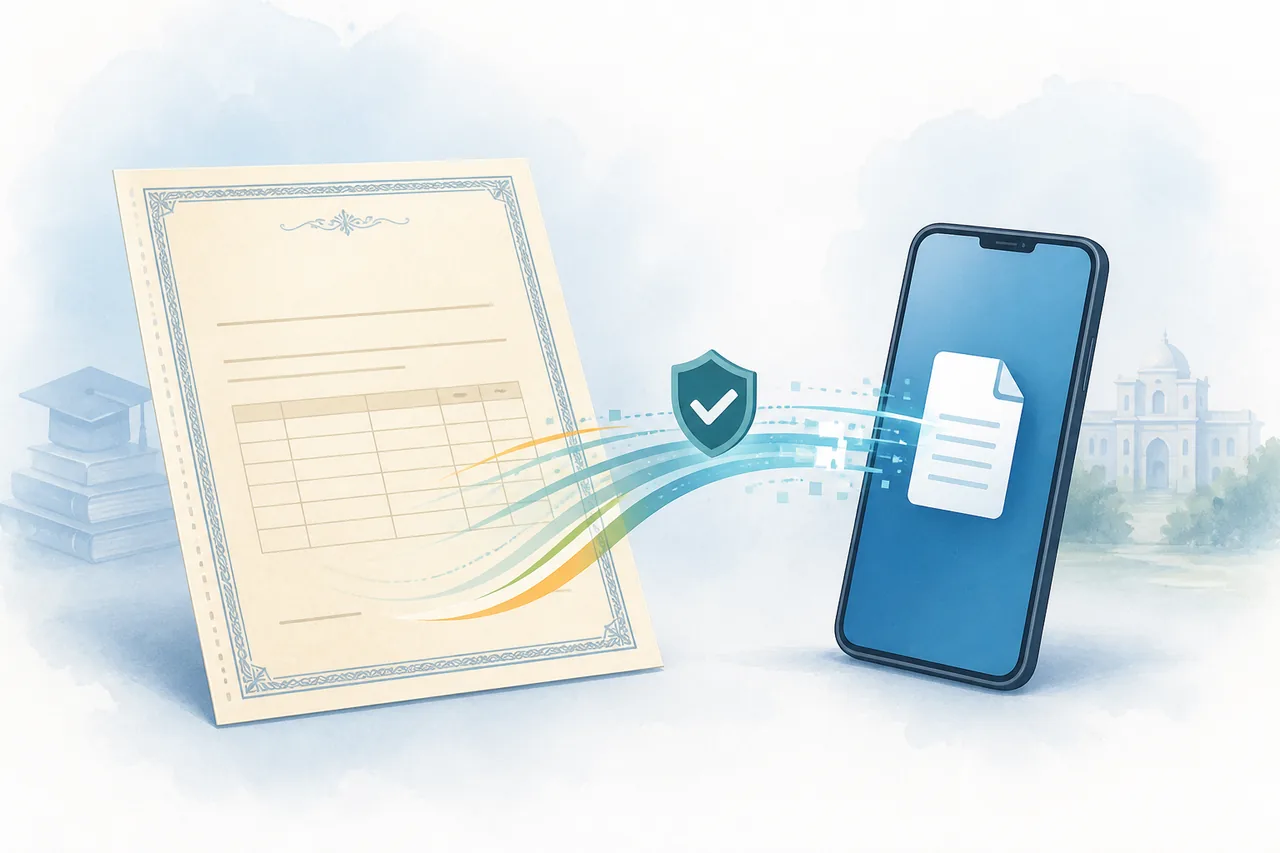
Where to download a 12th marksheet
Start with DigiLocker when the board and examination year are available there. Search for the issuing board, choose the Class 12 or higher-secondary document, and enter the details requested by the issuer. The downloaded file should show the board name, candidate details, marks and a digital signature, QR code or verification reference when the issuer provides one.
If DigiLocker does not list the record, use the official board website and look for result, certificate, duplicate-document or verification services. A result page, provisional statement, passing certificate and migration certificate are not automatically the same document, so check what the university, employer or other receiving organisation has requested before choosing a download route.
What you need before downloading
- The exact board or council name and the examination year.
- Roll number, seat number, registration number or another identifier requested by the board.
- The registered name and date of birth exactly as they appear in the examination record.
- Access to the mobile number or identity account required by DigiLocker or the board portal.
- The document type requested by the receiving organisation: marksheet, passing certificate, migration certificate or verification record.
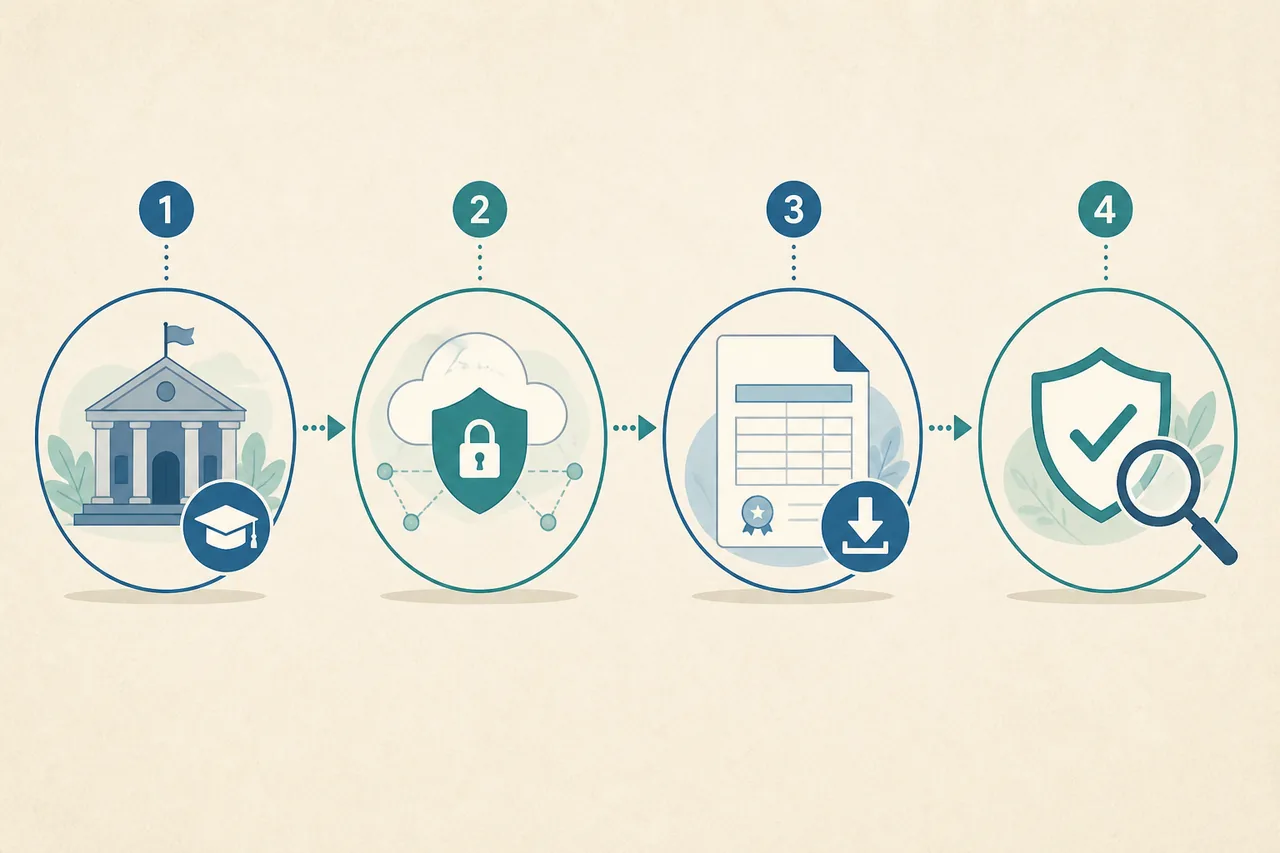
How to download 12th Marksheet
- Confirm the document: Ask the receiving organisation whether it needs the Class 12 marksheet, passing certificate, migration certificate, provisional result or a verification link. These documents can have different names and purposes.
- Identify the issuer: Note the board or council, examination year and state or national education authority shown on your result or admission record. Use the issuer rather than a generic PDF search result.
- Open the official route: Try DigiLocker first for a participating board. If the record is unavailable, open the board's current official website and select its result, certificate, duplicate or verification service.
- Enter matching details: Use the roll or seat number, registered name, date of birth and year exactly as requested. Do not send these details to a template seller, social-media account or unofficial download page.
- Save and verify the file: Check the board name, candidate details, subjects, marks, result, issue information and any QR code, digital signature or verification reference before submitting the file elsewhere.
Choose the correct portal action
| Action | Use it when | Expected result |
|---|---|---|
| Download | The board has issued the Class 12 document and DigiLocker or the board portal shows a download option. | An issuer-generated digital marksheet or the exact board document selected. |
| Check status | The result, certificate or duplicate request is still being processed. | A submission, correction, payment, dispatch or issue status instead of a final marksheet. |
| Verify | A university, employer or public office needs to confirm an issued record. | A board or DigiLocker verification response, QR result or reference check where offered. |
| Request a duplicate | The record is too old, damaged, not digitised or the original file cannot be retrieved. | The board's duplicate-document process, which may require identity proof, an affidavit, a fee or offline follow-up. |
Common problems and fixes
The board or year is missing in DigiLocker
Check the board name and examination year, then try the board's official result or certificate service. Older records may not be digitised, and a missing DigiLocker entry does not prove that the board record is lost.
The marksheet details do not match
Do not edit the PDF or create a replacement yourself. Compare the registered spelling and date of birth with the original record and use the board's correction or reissue process if a detail is wrong.
A result is available but the certificate is not
A result statement, marksheet, passing certificate and migration certificate can be separate outputs. Read the receiving organisation's request and contact the issuing board when it needs a document that the portal does not provide.
DigiLocker and education-board routes
DigiLocker is a convenient first route for a participating board because it can present an issuer-linked document in one account. It does not replace the board's authority over examination data, corrections, duplicate certificates or records outside the board's digitised years.
When DigiLocker cannot find the record, use the board's current official domain and look for a result, certificate, duplicate or verification service. Do not rely on a search result that promises an instant PDF without identifying the board and its document process.
12th marksheet, passing certificate and migration certificate are different
A 12th marksheet normally lists subjects, marks and result information. A passing or qualifying certificate may confirm that the student completed the examination, while a migration certificate supports movement between boards or institutions. Universities and employers can ask for one or more of these documents.
Before starting a 12th marksheet download, read the submission checklist from the receiving organisation. Choosing the wrong document can delay admission or verification even when the downloaded file is genuine.
Old, missing or corrected higher-secondary records
Historical records may be available only through the board's duplicate-document or archive process. Keep the examination year, roll number, school details and any old result or certificate reference ready, and expect the board to state whether online retrieval, postal delivery or an in-person request is required.
If a name, date of birth, subject or mark is incorrect, use the issuer's correction route. A self-edited PDF is not an official correction and can fail a university, employer or document-verification check.
After you download the 12th marksheet
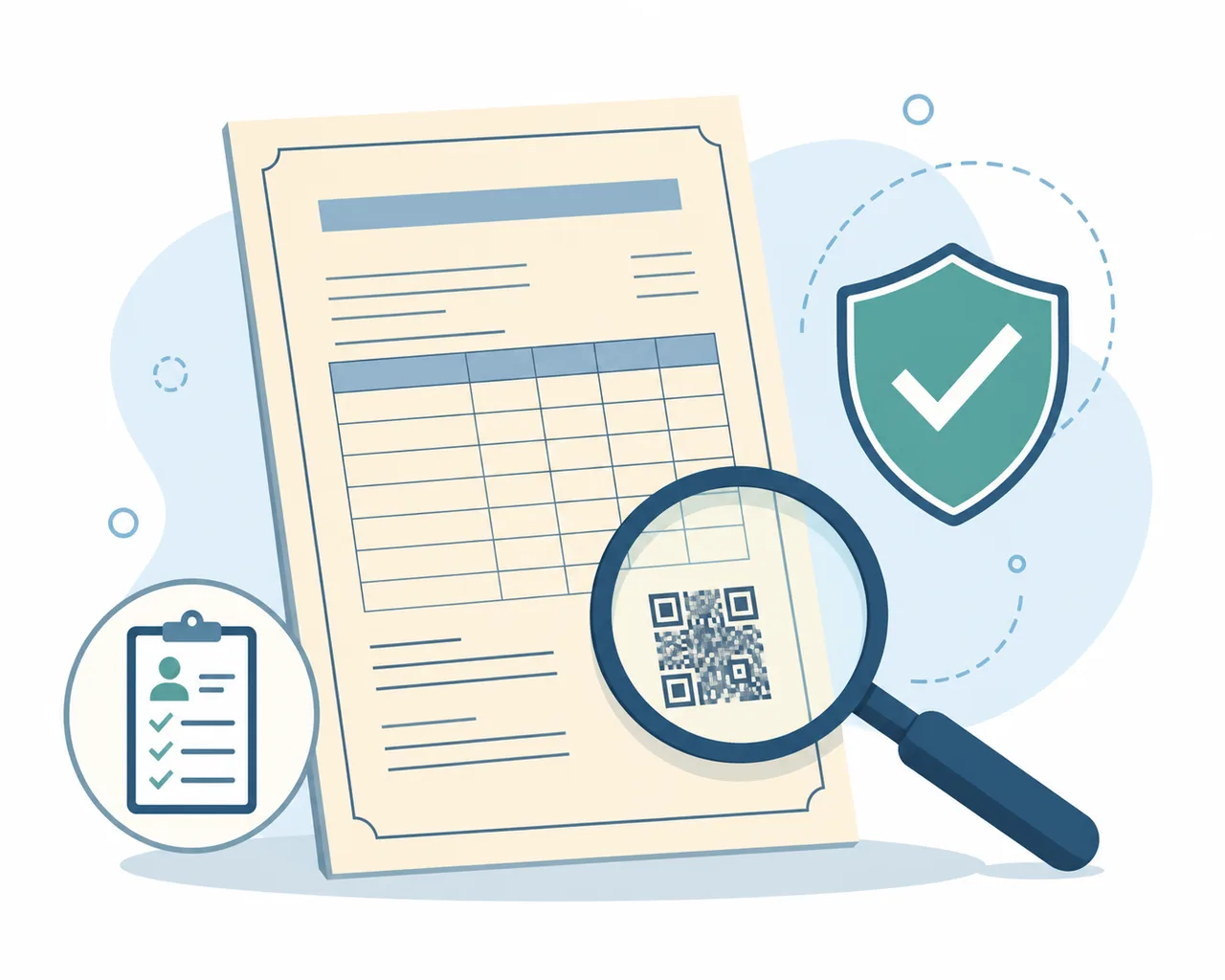
Open the original file and compare the board, examination year, registered name, roll or seat number, subjects, marks and result with your records. Preserve the issuer's digital signature, QR code, URI or verification reference instead of exporting a screenshot as the only copy.
Store one original copy in a private location and submit it only through the receiving organisation's approved channel. If a portal asks for a different document, return to the board or DigiLocker and retrieve the exact marksheet, certificate or verification record requested.
12th marksheet download checklist
- Confirm the exact education board, examination year and document type before searching.
- Keep the registered name, date of birth, roll or seat number and board details ready.
- Use DigiLocker or the issuing board's verified website, not an unofficial PDF or template page.
- Review the document and preserve its QR code, digital signature, URI or verification reference.
- Use the board's duplicate or correction process when the record is old, missing or inaccurate.
Official source and limitations
Primary route: DigiLocker. The education board remains the authoritative source for examination data, corrections, duplicate documents and records not available in the digital service.
Board participation, available examination years, document names and duplicate procedures vary. This guide does not guarantee that every Class 12 record is available online.
12th Marksheet FAQ
Can I download my 12th marksheet from DigiLocker?
Yes, when the issuing board and examination year have published the record to DigiLocker. Select the board's Class 12 document and enter the requested details.
How do I download a 12th marksheet online if DigiLocker shows no record?
Open the current official website of the issuing board and look for its result, certificate, duplicate-document or verification service. Older records may require a board request.
Is a 12th marksheet the same as a passing certificate?
Not always. A marksheet lists examination performance, while a passing or qualifying certificate confirms completion. Submit the document named by the receiving organisation.
What details are needed for a 12th marksheet download?
The board, examination year, roll or seat number and registered identity details are common requirements, but the exact fields depend on the issuer.
What if my 12th marksheet has a wrong name or date of birth?
Use the education board's correction or reissue process. Do not edit the downloaded PDF, because the altered file will not change the official record.
Can I get a duplicate 12th marksheet for an old examination year?
Often there is a duplicate-document or archive route, but online availability, fees and supporting documents vary by board and year. Follow the issuer's current instructions.