
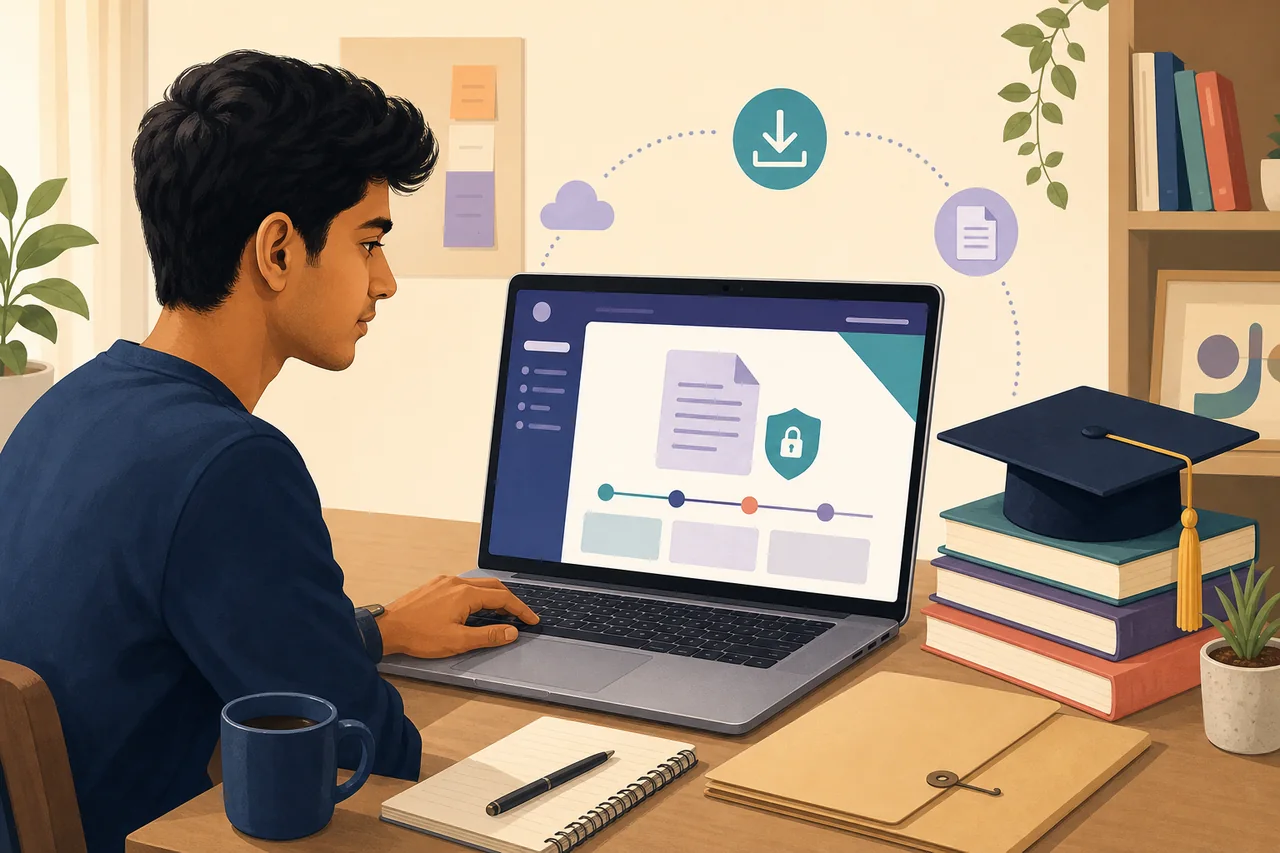
Where to complete a migration certificate download
For CBSE records, begin with the CBSE Academic Repository or DigiLocker and select the document issued for the relevant examination year. Availability depends on the year, class and issuer data already deposited in the repository.
For a state board, college or university, use that institution’s examination, student services or certificate portal. If no downloadable record appears, use the same issuer’s application or duplicate-document process instead of assuming that another board can retrieve it.
What you need before downloading
- The exact issuing board, school, college or university.
- Examination year, course or class and roll, seat, registration or enrolment number.
- Name and date of birth exactly as held by the issuer.
- DigiLocker or issuer account access when authentication is required.
- An application, acknowledgement or payment reference for a duplicate request.
- The receiving institution’s requirement, including whether a digital copy is accepted.
How to download Migration Certificate
- Identify the issuer: Use the board or university printed on the marksheet, passing certificate or student record. A school may help, but the final issuer can be a board or university.
- Check the official repository: Open CBSE Academic Repository, DigiLocker or the issuer’s own certificate service and choose migration certificate rather than marksheet, passing certificate or transfer certificate.
- Enter matching details: Use board or university, examination year, roll or enrolment number. Spelling, year and number must match the issuer’s database.
- Review the issued record: Confirm the student name, institution, examination, year, certificate number and digital verification details before saving the PDF.
- Use the duplicate route if missing: When the record is unavailable online, use the issuer’s duplicate academic document or certificate application process and keep the receipt.
- Submit the accepted format: Ask the receiving institution whether it accepts the issuer PDF, DigiLocker document, sealed physical copy or direct institutional verification.
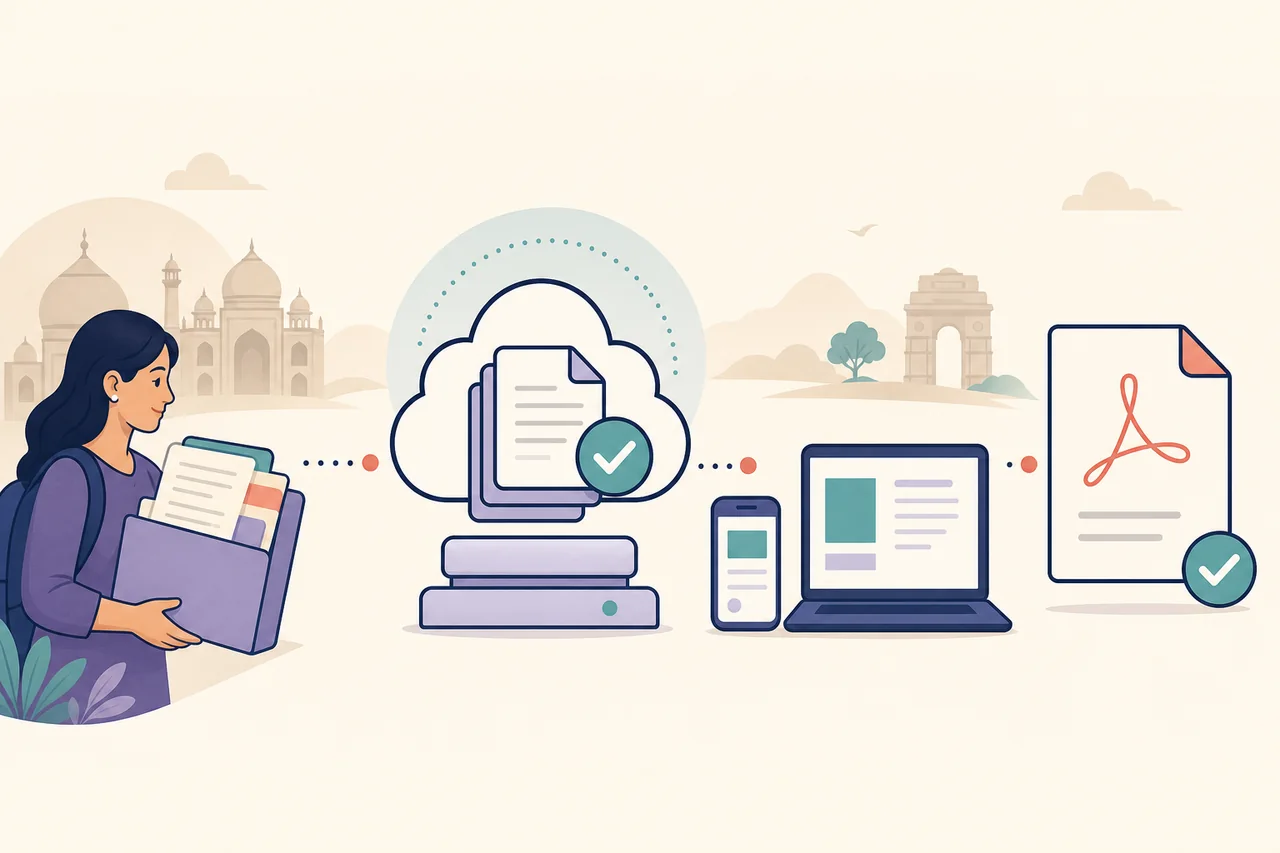
Choose the correct portal action
| Action | Use it when | Expected result |
|---|---|---|
| Download | The issuer already deposited the migration certificate online. | A digitally issued PDF or repository record. |
| Apply | The issuer requires a fresh request before generating the certificate. | An application or acknowledgement, not an immediate PDF. |
| Duplicate | The original is lost or the older record is not available digitally. | A reissued document after identity and fee checks. |
| Verify | The receiving institution needs proof that the document came from the issuer. | URI, QR, digital signature or issuer confirmation. |
Common problems and fixes
The migration certificate is not visible
Check the issuer, examination year and document type. Some repositories list a marksheet or passing certificate separately, and some years require a duplicate request.
DigiLocker data does not match
Use the name, year and roll or registration number exactly as recorded by the board. Ask the issuer to correct its source data rather than editing a downloaded PDF.
The institution asks for an original copy
Confirm whether a digitally issued document is accepted. If a sealed or physical original is required, follow the issuer’s certificate or duplicate-document process.
Migration and transfer certificates are confused
A transfer certificate usually records leaving a particular school or college. A migration certificate normally supports movement between boards or university systems.
Migration certificate vs transfer certificate and marksheet
A migration certificate, transfer certificate, marksheet and passing certificate serve different purposes. The marksheet reports subject results, while a passing certificate confirms that the examination was passed. A transfer certificate is normally issued when a student leaves a school or college. A migration certificate is commonly requested when the student moves to a different board or university framework.
Do not download the first academic PDF that appears and assume it satisfies admission. Read the receiving institution’s checklist and match the exact document name. If the wording is unclear, ask whether it requires board migration, university migration, a school leaving certificate or only verified marks.
How CBSE, DigiLocker and university routes differ
CBSE candidates may find supported academic documents in the CBSE Academic Repository or through DigiLocker. Availability depends on the issuer’s deposited data and supported years. The CBSE Duplicate Academic Document System is a separate route for requests that cannot be satisfied by an existing digital record.
State boards and universities operate their own services. A university may require login to a student portal, an online certificate application, payment, identity evidence or collection from the examination branch. Always follow the issuer named on the original academic record rather than a generic third-party download page.
What to do when an older migration record is missing
Older records may not have been deposited in DigiLocker or the issuer’s current portal. Keep the old marksheet, passing certificate, roll number, registration number and institution details ready. Search the issuer’s duplicate academic document, examination certificate or student services route and retain every acknowledgement.
If the receiving institution has a deadline, request written guidance on temporary alternatives such as a DigiLocker marksheet, application receipt, undertaking or direct verification. Only that institution can decide whether an interim document is acceptable.
What to check after downloading the migration certificate
Verify the student name, board or university, institution, examination or course, year, roll or enrolment number, issue date and certificate number. Preserve any URI, QR code or digital signature.
Keep the original PDF unchanged. Renaming the file is normally harmless, but editing its page content or verification area can invalidate it. Share it only with the institution that requested the document.
Migration certificate download checklist
- The portal belongs to the board, university or an authorized repository.
- The selected document is a migration certificate, not only a marksheet or transfer certificate.
- The examination year and roll, seat, registration or enrolment number match.
- The student and issuer details are correct.
- The digital signature, URI, QR or certificate number remains visible.
- The receiving institution accepts the downloaded format.
Official source and limitations
Primary routes checked on July 23, 2026: the CBSE Academic Repository, DigiLocker and the CBSE Duplicate Academic Document System. Other boards and universities use their own current certificate services.
Online availability, supported years, fees, delivery time and acceptance rules vary by issuer and receiving institution. This site cannot access private student records, correct board data or guarantee admission acceptance.
Migration Certificate FAQ
Can I download a migration certificate from DigiLocker?
Yes, when the issuing board or university has deposited that document for the relevant candidate and year. If it is absent, use the issuer’s own certificate or duplicate process.
Is a migration certificate the same as a transfer certificate?
Usually no. A transfer certificate records leaving an institution, while a migration certificate commonly supports movement between boards or university systems.
How do I get a CBSE migration certificate online?
Check the CBSE Academic Repository or DigiLocker with matching examination details. If the record is unavailable, use the CBSE duplicate academic document route.
What if my migration certificate has the wrong name?
Request correction from the issuing board or university. Do not edit the PDF, because verification data must match the issuer’s record.
Can I use a digital migration certificate for admission?
Many institutions accept verified digital documents, but the receiving institution sets the rule. Confirm whether it needs a DigiLocker copy, issuer PDF, sealed original or direct verification.