
Where to download a BSE Odisha 10th certificate
For a BSE Odisha 10th certificate download, use the official BSE Odisha digital certificate portal first. Choose the document and examination details requested by the board, then download or print the record only after the portal confirms it has been issued.
DigiLocker can be a second route for education documents from participating issuers. The document name, supported year and required details can differ, so do not assume that a marksheet, pass certificate and migration certificate are interchangeable.
If the portal cannot find an older record, stop before submitting the same personal details to an unofficial download site. Check the board's official instructions for a duplicate, correction or manual search route.
What you need before downloading
- The correct board: Board of Secondary Education, Odisha.
- The examination year, roll number or other details requested by the official service.
- A browser and, when using DigiLocker, an account that can access the issuer's document.
- The recipient's exact document requirement: marksheet, pass certificate or migration certificate.
How to download BSE Odisha 10th Certificate
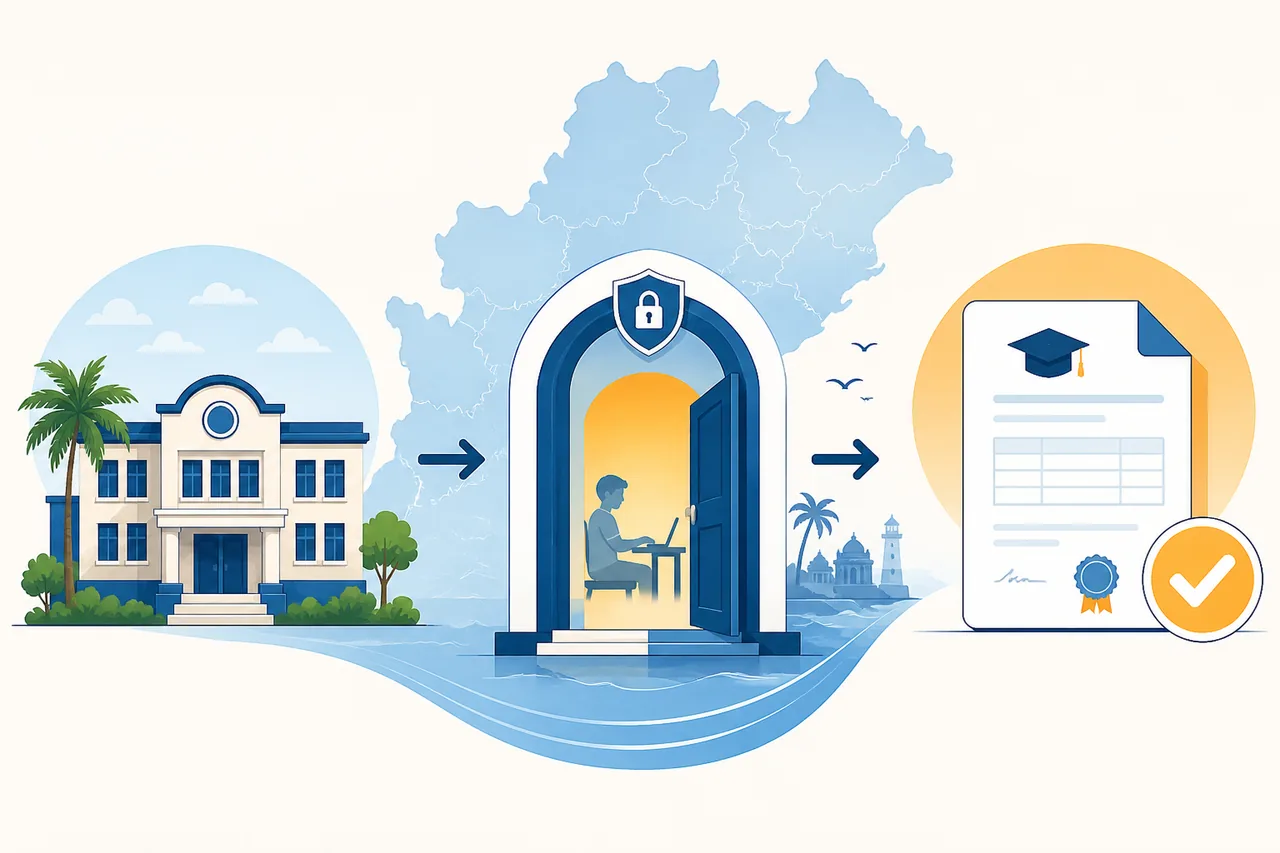
- Confirm the board and document: Check that the original result or school record names BSE Odisha. Decide whether the recipient needs a marksheet, pass certificate or migration certificate before opening a download link.
- Open the official portal: Use the BSE Odisha Digital Certificate Portal or the official BSE Odisha website. Check the domain and department name before entering any record details.
- Enter the requested record details: Use the examination year, roll number and other fields exactly as shown in the board record. Do not reuse details on an unknown third-party form.
- Download or print the issued document: Save the document generated by the official service. A status page or application acknowledgement is not the same as an issued certificate.
- Verify before submitting: Check the name, year, board, document type, digital signature, QR or verification feature and any instructions from the school, employer or admissions office.
Choose the correct portal action
| Action | Use it when | Expected result |
|---|---|---|
| Download | The board has issued a supported digital document and the official link is available. | An official BSE Odisha certificate, marksheet or other document offered by the issuer. |
| Check status | The request is pending, rejected or still under verification. | The official status, next instruction or correction route; not a final certificate. |
| Use DigiLocker | The board and examination year are listed for your account. | A DigiLocker document from a participating issuer, if available. |
| Contact the board | An older record is missing or the issued document contains an error. | Official guidance for duplicate, correction, manual search or reissue. |
Common problems and fixes
The BSE Odisha portal does not find my record
Recheck the board, examination year and record details. If the record is old or not digitised, use the board's official duplicate or manual-search instructions instead of trying random PDF sites.
DigiLocker shows no BSE Odisha document
DigiLocker availability depends on issuer participation, document type and year. Search the official issuer name, then return to the BSE Odisha route if the record is not listed.
The certificate or marksheet has an error
Do not edit the downloaded file. Keep the original record and follow the official correction or reissue procedure described by the board or the receiving institution.
BSE Odisha portal versus DigiLocker
The BSE Odisha Digital Certificate Portal is the issuer-specific route. DigiLocker is a separate document wallet that may display records from participating education boards. Use the issuer name and examination year shown in the official service rather than assuming that every BSE Odisha record appears in both systems.
A document can be digitally available in one route but not another. If an admissions office or employer asks for a particular format, confirm whether it accepts a board-issued PDF, a DigiLocker document, a printed copy or a verification link.
Older Odisha 10th records and missing years
Search demand for 2026 and other recent years does not mean that every historical year is online. Older records may require a duplicate certificate request, school or board verification, or a manual search. Keep the acknowledgement and do not submit a pending status page as the final certificate.
When an old record is unavailable, collect the exact year, roll details and document type requested by the board. The official issuer can then tell you whether a digital copy, correction form or physical duplicate is possible.
Certificate, marksheet and migration certificate are different
A marksheet normally shows subjects and results, a pass certificate confirms qualification, and a migration certificate serves a transfer or institution-change purpose. The correct document depends on the recipient's instruction.
The Similarweb question tab also surfaced Class 10 migration queries. Those queries belong to the existing migration-certificate guidance, not to a separate Odisha 10th download URL, so choose the document before starting the portal process.
What to check after the 10th certificate download
Open the original PDF and compare the name, examination year, roll details, board, document type and issue information with the request. If a QR code, digital signature or verification page is provided, use the official verification feature rather than editing the file.
Keep the original file and acknowledgement safely. A screenshot may not contain the signature, QR code or metadata that the receiving institution needs. Ask the recipient about translation, attestation, print quality and whether a DigiLocker copy is accepted.
BSE Odisha 10th certificate download checklist
- The board is BSE Odisha and the examination year is correct.
- The domain and department were checked before entering record details.
- The selected document matches the recipient's request.
- The file came from the issuer or an accepted official document wallet.
- The name, year, board, signature and verification details were reviewed.
- The original PDF and acknowledgement were stored securely without editing.
Official source and limitations
Official-source review on August 6, 2026: BSE Odisha, the BSE Odisha Digital Certificate Portal and DigiLocker. The official portal decides which document types and examination years are available. This site only helps users reach the correct public source.
BSE Odisha records are not guaranteed to be available online for every year, document type or applicant. This guide does not access private records, bypass login or verification, or provide an unofficial PDF.
BSE Odisha 10th Certificate FAQ
How do I download a BSE Odisha 10th certificate online?
Open the official BSE Odisha Digital Certificate Portal, confirm the document and examination year, enter the requested record details, and save the document only after the service shows that it has been issued.
Is a 10th marksheet the same as a pass certificate?
Not always. A marksheet usually lists subjects and results, while a pass certificate confirms qualification. Ask the recipient which document is required before downloading.
What if my old Odisha 10th record is not available online?
Check the official board instructions for a duplicate, correction or manual-search route. An unavailable year should not lead you to an unofficial PDF or a third-party form asking for sensitive details.
Can I find a BSE Odisha 10th certificate in DigiLocker?
Possibly, if the issuer, document type and examination year are supported for your account. DigiLocker is separate from the board portal, so use the issuer-specific route when the record is not listed.
Can I submit the digital certificate for admission or a job?
That depends on the receiving institution. Confirm whether it accepts a board-issued PDF, DigiLocker document, printed copy, QR verification or an attested version before submitting it.