
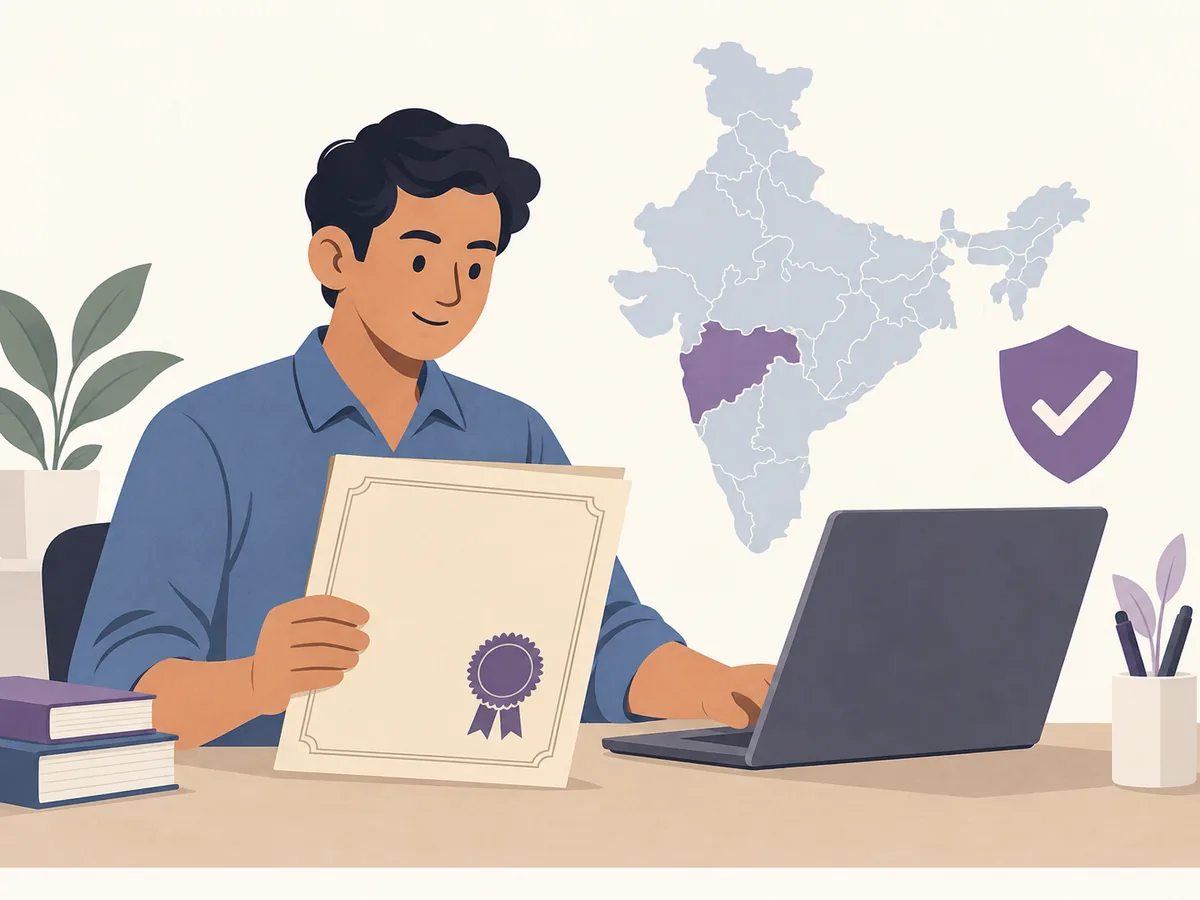
Where to download an OBC certificate
There is no single public PDF link that downloads every OBC certificate in India. The certificate normally belongs to the state or Union Territory office that accepted the application, such as a revenue department, e-District service, welfare department, citizen-service centre or local authority. Start with the state shown on the application receipt or on the existing certificate, then open that authority's current service page.
If the application is approved, look for an issued-certificate, download, print or completed-services area. If it is still being reviewed, use status instead of download. OBC, OBC-NCL, SC, ST, EWS and community certificates are not interchangeable: the issuing office, eligibility wording and document requirements may be different. This site only explains the route; login, OTP verification, payment and the final PDF download happen on the official portal.
What you need before downloading
- The state or Union Territory and the authority named on the application receipt or older certificate.
- An application number, certificate number, acknowledgement ID or reference number when the portal uses one.
- Access to the registered mobile number, email or citizen account if the authority requires sign-in or OTP verification.
- The registered spelling of the applicant's name, date of birth and local address details; do not guess a different spelling.
- Supporting details requested by the authority, such as district, tehsil, village, family or community record references.
- A browser that allows downloads or pop-ups on the official domain; never upload the certificate to an unknown converter or directory.
How to download OBC Certificate
- Identify the issuer: Read the receipt, existing certificate or service name and note the state, district and department. A national search page can point you toward a service, but the issuing authority controls the record.
- Open the official route: Use the authority's current government service page or a recognised government service directory. Check the domain, department name and service description before entering any login or record detail.
- Choose the right action: Select download or print only when the application is approved. Choose status for a pending request, verify for an existing certificate check, and apply only when you are starting a new request.
- Authenticate on the authority site: Enter the application or certificate reference only after the official portal opens. Complete its own account, OTP or payment steps; this guide never asks you to paste them here.
- Download and inspect the file: Save the issued PDF from the portal, then check the name, category wording, certificate number, issue date, issuing office, signature, QR code and any verification reference before sharing it.
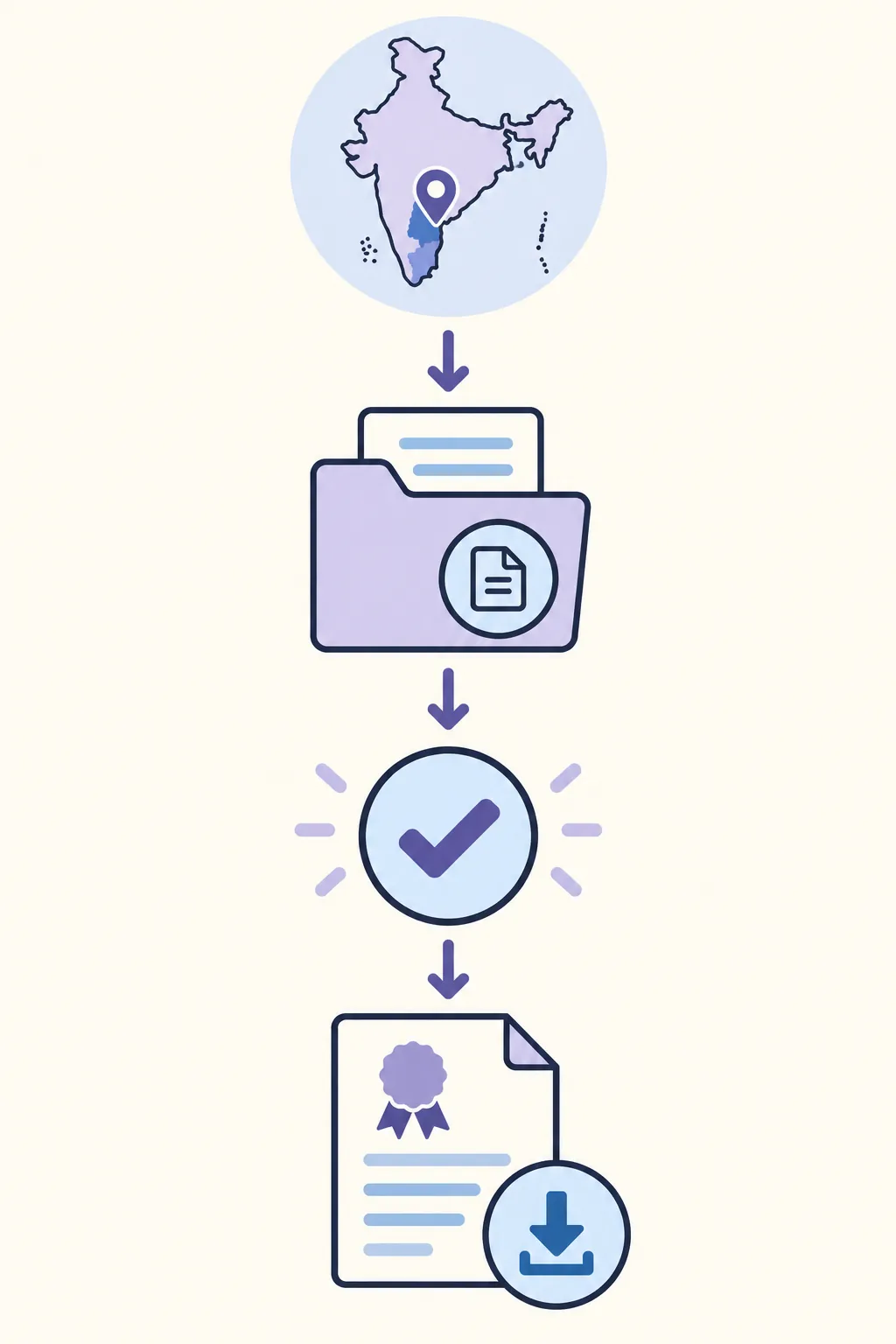
Choose the correct portal action
| Action | Use it when | Expected result |
|---|---|---|
| Download / Print | The OBC application is approved and an issued document is available. | The authority's PDF or printable certificate area should open. |
| Check status | The application was submitted but no certificate has been issued yet. | The portal shows pending, approved, rejected or returned status and any next instruction. |
| Verify | A receiving organisation wants to confirm an existing certificate. | The authority may validate the number, QR code, signature or record details. |
| Apply / Correct | No application exists or the issued record contains an error. | A new request, correction or reissue workflow starts; do not edit the PDF yourself. |
Common problems and fixes
The portal shows no record
Check that you selected the original state, district and issuing office. Try the exact application or certificate number from the receipt, including leading zeroes. If the record still does not appear, ask the issuing office whether the service has moved or the register is still being digitised.
I only see an application form
You may be on the apply page rather than the completed-services area. Look for application status, issued certificates, download, print or certificate verification after signing in. Do not submit a duplicate request until the authority confirms that the first one is closed.
OBC and OBC-NCL wording is confusing
An OBC certificate and an OBC-NCL certificate can serve different purposes. The required category, non-creamy-layer statement, validity period and document list depend on the relevant rule and authority. Use the exact wording requested by the organisation receiving the document.
The name or address is wrong
Do not open the PDF in an editor and overwrite the text. Use the correction, rejection or reissue route of the issuing department and keep the acknowledgement that explains the approved record.
The PDF will not open
Allow pop-ups for the official portal, check the browser download list, try the portal's print option and avoid third-party PDF converters. If a digital signature or QR code is present, keep the original file unchanged.
Check the downloaded OBC certificate
Compare the applicant name, OBC wording, certificate or application number, issuing office, district, issue date and any validity or purpose statement with the request. If the organisation asks for OBC-NCL, central-list or a current-year document, confirm that the issued file contains the exact wording it requires.
Keep the original PDF, acknowledgement and verification instructions together. Use the authority's QR or verification page when available. Do not crop, rewrite, merge or re-save the file before submission unless the receiving organisation explicitly asks for a copy.
OBC certificate download checklist
- The state, district and issuing department match the original application or certificate.
- The portal is the authority's current government service or a clearly identified government directory.
- The selected action is download, status, verify, apply or correction as appropriate.
- Any login, OTP, payment and personal record entry happens only after the official site opens.
- The file's category wording, name, number, date, signature and QR or verification reference were checked.
- The receiving organisation's OBC, OBC-NCL, validity and format requirements were confirmed before submission.
Official source and limitations
Official-source review on September 15, 2026: National Government Services Portal, ServicePlus, state citizen-service examples, DigiLocker and the National Commission for Backward Classes. These sources help identify service families and category context; the state or issuing authority decides whether a record exists, which documents are required and whether the issued file is valid.
This guide does not determine OBC eligibility, confirm a state list, retrieve private records or replace the issuing authority. OBC, OBC-NCL, SC, ST, EWS and community certificates can have different rules, validity periods and purposes. Portal names, fees, fields and login steps can change.
OBC Certificate FAQ
How can I download an OBC certificate online?
Open the state or issuing-authority portal named on your application or existing certificate, sign in if required, check that the application is approved, then use its issued-certificate, print or download option. The exact route varies by state.
Can I download an OBC certificate by name only?
Usually not. A portal may require an application number, certificate number, registered mobile, account login, district or other record details. Do not enter private information on a directory website.
Is an OBC certificate the same as an OBC-NCL certificate?
Not necessarily. OBC-NCL can include a non-creamy-layer statement or a purpose-specific requirement. Follow the exact wording, date and issuing-authority requirement given by the organisation requesting the document.
Can DigiLocker show my OBC certificate?
Only if the relevant issuing authority participates and has made that document available. Search by issuer and document type inside DigiLocker; if it is not listed, use the state or department portal instead.
What if my old OBC certificate is not found online?
Confirm the original district or local authority, try the exact reference from the receipt and ask whether older registers have been digitised or moved to another service. The issuing office decides whether it can reprint, certify or reissue the record.
Can I edit the downloaded OBC certificate PDF?
No. Do not alter an issued certificate. Use the authority's correction or reissue procedure, keep the original file and check the receiving organisation's format requirements.