
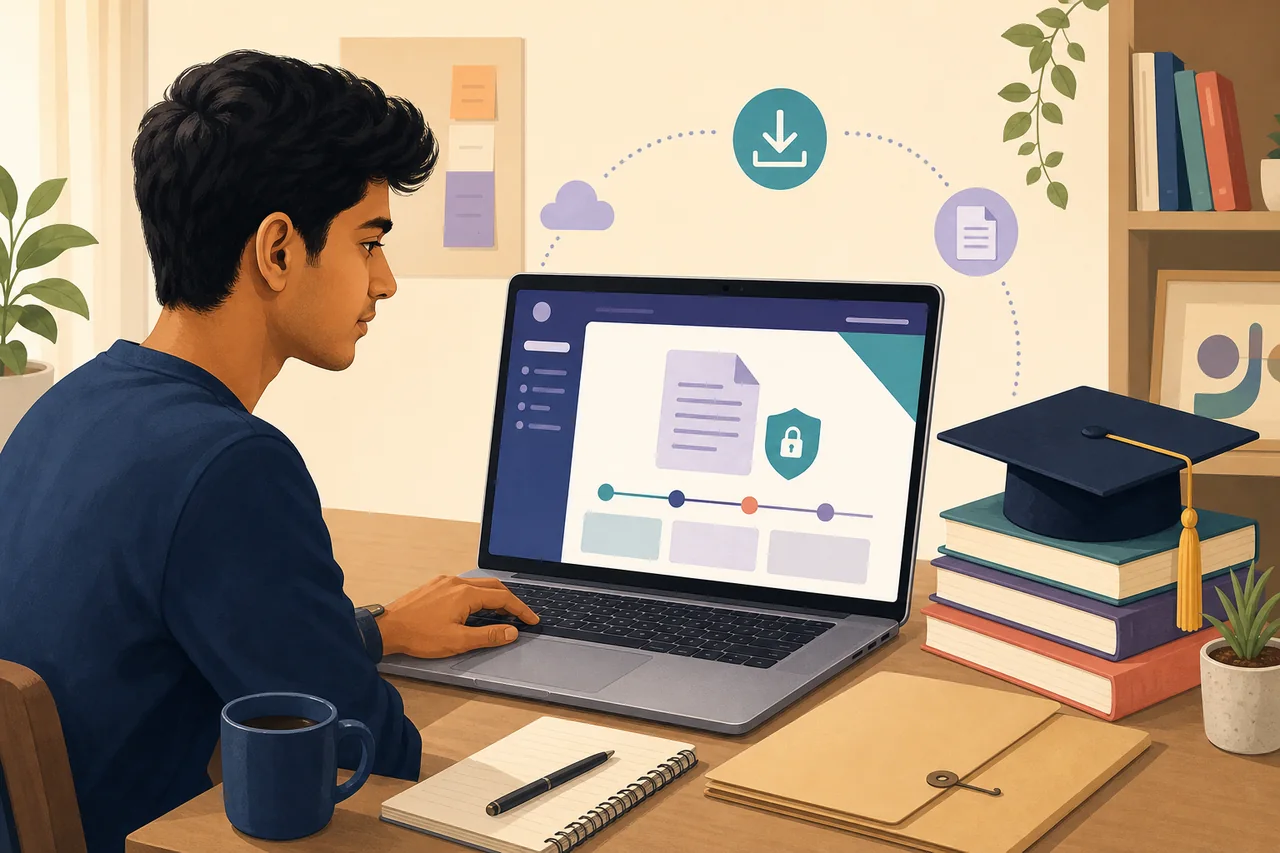
마이그레이션 증명서 발급·다운로드 위치
CBSE 기록은 시험 연도와 학생 정보를 사용해 CBSE Academic Repository 또는 DigiLocker에서 확인합니다.
다른 교육위원회나 대학은 해당 기관의 시험·학생 서비스·증명서 포털을 이용합니다. 문서가 없으면 같은 발급 기관에 재발급을 신청합니다.
다운로드 전에 준비할 내용
- The exact issuing board, school, college or university.
- Examination year, course or class and roll, seat, registration or enrolment number.
- Name and date of birth exactly as held by the issuer.
- DigiLocker or issuer account access when authentication is required.
- An application, acknowledgement or payment reference for a duplicate request.
- The receiving institution’s requirement, including whether a digital copy is accepted.
다운로드 방법: 마이그레이션 증명서
- Identify the issuer: Use the board or university printed on the marksheet, passing certificate or student record. A school may help, but the final issuer can be a board or university.
- Check the official repository: Open CBSE Academic Repository, DigiLocker or the issuer’s own certificate service and choose migration certificate rather than marksheet, passing certificate or transfer certificate.
- Enter matching details: Use 교육위원회 또는 대학, 시험 연도, 롤·등록 번호. Spelling, year and number must match the issuer’s database.
- Review the issued record: Confirm the student name, institution, examination, year, certificate number and digital verification details before saving the PDF.
- Use the duplicate route if missing: When the record is unavailable online, use the issuer’s duplicate academic document or certificate application process and keep the receipt.
- Submit the accepted format: Ask the receiving institution whether it accepts the issuer PDF, DigiLocker document, sealed physical copy or direct institutional verification.
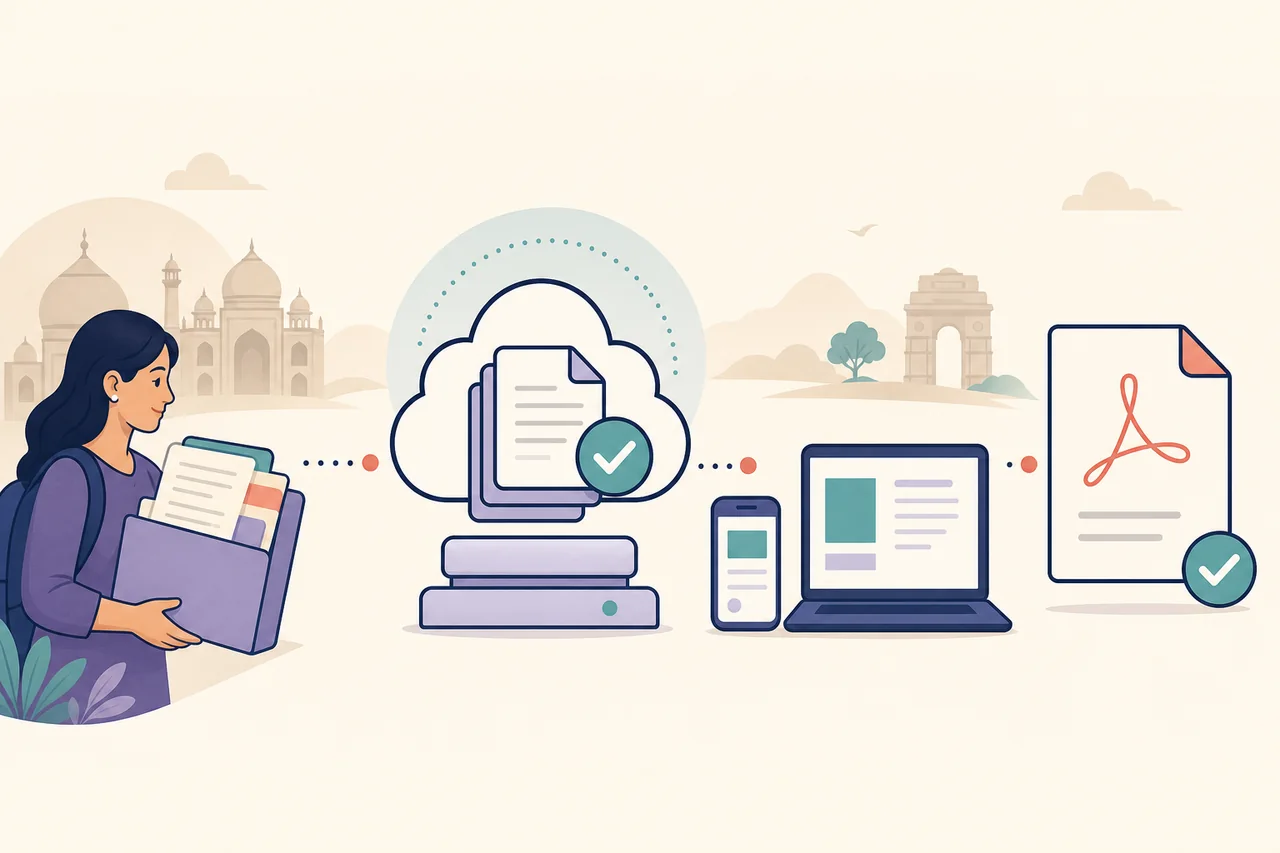
올바른 업무 선택
| 업무 | 사용 시점 | 예상 결과 |
|---|---|---|
| Download | The issuer already deposited the migration certificate online. | A digitally issued PDF or repository record. |
| Apply | The issuer requires a fresh request before generating the certificate. | An application or acknowledgement, not an immediate PDF. |
| Duplicate | The original is lost or the older record is not available digitally. | A reissued document after identity and fee checks. |
| Verify | The receiving institution needs proof that the document came from the issuer. | URI, QR, digital signature or issuer confirmation. |
자주 발생하는 문제와 해결법
The migration certificate is not visible
Check the issuer, examination year and document type. Some repositories list a marksheet or passing certificate separately, and some years require a duplicate request.
DigiLocker data does not match
Use the name, year and roll or registration number exactly as recorded by the board. Ask the issuer to correct its source data rather than editing a downloaded PDF.
The institution asks for an original copy
Confirm whether a digitally issued document is accepted. If a sealed or physical original is required, follow the issuer’s certificate or duplicate-document process.
Migration and transfer certificates are confused
A transfer certificate usually records leaving a particular school or college. A migration certificate normally supports movement between boards or university systems.
What to check after downloading the migration certificate
Verify the student name, board or university, institution, examination or course, year, roll or enrolment number, issue date and certificate number. Preserve any URI, QR code or digital signature.
Keep the original PDF unchanged. Renaming the file is normally harmless, but editing its page content or verification area can invalidate it. Share it only with the institution that requested the document.
Migration certificate download checklist
- The portal belongs to the board, university or an authorized repository.
- The selected document is a migration certificate, not only a marksheet or transfer certificate.
- The examination year and roll, seat, registration or enrolment number match.
- The student and issuer details are correct.
- The digital signature, URI, QR or certificate number remains visible.
- The receiving institution accepts the downloaded format.
마이그레이션 증명서 담당 관할 찾기
인도에서는 같은 종류의 증명서도 국가 시스템, 주, 지구, 지방자치단체, 교육위원회 또는 경찰이 따로 관리할 수 있습니다. 현재 주소보다 사건이 등록된 장소나 원래 신청 기관이 중요합니다. 이전 영수증, 접수 번호 또는 발급 기관 이름부터 확인하세요.
주가 맞아도 담당 부서가 다르면 기록이 나타나지 않습니다. 서비스 이름, 발급 기관과 문서 구분을 함께 확인하세요. 관련 없는 양식에 정보를 입력하거나 공공 사이트를 흉내 낸 중개업체에 개인정보를 보내는 일을 줄일 수 있습니다.
다운로드, 상태 조회, 검증과 신청 구분
다운로드는 보통 이미 발급된 문서를 저장하는 기능입니다. 상태 조회는 심사 중인 신청, 검증은 기존 파일, 신규 신청은 새 절차에 사용합니다. 목적을 잘못 선택하면 결과가 없거나 불필요한 신청을 만들 수 있습니다.
다시 신청하기 전에 완료된 서비스, 발급 문서, 디지털 보관함과 이용 내역을 확인하세요. 보완 요구는 기존 접수 건에서 해결해야 합니다. 중복 신청으로 잘못된 이름이나 관할이 고쳐지지는 않습니다.
개인정보 안전하게 보호하기
이 안내 사이트는 Aadhaar, 비밀번호, OTP, 전체 증명서 번호나 증빙 파일을 요구하지 않습니다. 도메인, HTTPS 연결과 기관 이름을 확인한 뒤 공식 포털에만 입력하세요. 개인 계좌 결제나 심사 없는 즉시 발급을 약속하는 페이지는 닫으세요.
가능하면 본인 기기와 안전한 통신을 사용하세요. 끝나면 로그아웃하고 공용 컴퓨터의 임시 파일을 지우며 제출 기관에는 필요한 페이지만 보내세요. 원본 PDF는 변경하지 않고 보호된 저장 공간에 보관하세요.
PDF 진위와 완전성 확인
신뢰할 수 있는 문서는 발급 기관, 참조 번호와 날짜를 표시하며 제도에 따라 전자 서명이나 QR 코드를 포함합니다. 로고나 이미지 도장만으로 공식 등록을 증명할 수는 없습니다. PDF 프로그램에서 서명 세부 정보를 열어 표시 내용을 대조하세요.
공식 검증 페이지가 있다면 필요한 최소 참조 번호만 사용하세요. 파일은 편집하지 마세요. 서명이 알 수 없음으로 나오면 발급 기관의 신뢰 인증서나 제출 기관이 인정하는 검증 방식을 확인하세요.
인도 마이그레이션 증명서 다운로드 안전 확인
인도 마이그레이션 증명서 다운로드 공식 포털 확인은 올바른 발급 기관에서 시작합니다. 인도 마이그레이션 증명서 다운로드 공식 포털 확인에는 교육위원회 또는 대학, 시험 연도, 롤·등록 번호가 필요합니다. 인도 마이그레이션 증명서 다운로드 공식 포털 확인은 OTP를 보호합니다. 인도 마이그레이션 증명서 다운로드 공식 포털 확인은 원래 등록 표기를 사용합니다. 인도 마이그레이션 증명서 다운로드 공식 포털 확인은 발급 문서 메뉴를 선택합니다.
인도 마이그레이션 증명서 다운로드 공식 포털 확인은 관할을 점검합니다. 인도 마이그레이션 증명서 다운로드 공식 포털 확인은 참조 번호를 확인합니다. 인도 마이그레이션 증명서 다운로드 공식 포털 확인은 영수증을 보관합니다. 인도 마이그레이션 증명서 다운로드 공식 포털 확인은 모든 페이지를 엽니다. 인도 마이그레이션 증명서 다운로드 공식 포털 확인은 서명과 QR 코드를 유지합니다.
인도 마이그레이션 증명서 다운로드 공식 포털 확인에는 낯선 중개인이 필요하지 않습니다. 인도 마이그레이션 증명서 다운로드 공식 포털 확인으로 등록 오류를 직접 수정하지 않습니다. 인도 마이그레이션 증명서 다운로드 공식 포털 확인은 완전한 PDF를 저장합니다. 인도 마이그레이션 증명서 다운로드 공식 포털 확인은 공식 접수 기록과 연결됩니다. 인도 마이그레이션 증명서 다운로드 공식 포털 확인은 원본을 안전하게 보관하며 끝납니다.
공식 출처와 안내 범위
2026년 7월 23일 CBSE Academic Repository, DigiLocker, CBSE DADS를 확인했습니다.
지원 연도, 수수료, 처리 기간과 제출 기관의 인정 기준은 발급 기관마다 다릅니다.
마이그레이션 증명서 자주 묻는 질문
Can I download a migration certificate from DigiLocker?
Yes, when the issuing board or university has deposited that document for the relevant candidate and year. If it is absent, use the issuer’s own certificate or duplicate process.
Is a migration certificate the same as a transfer certificate?
Usually no. A transfer certificate records leaving an institution, while a migration certificate commonly supports movement between boards or university systems.
How do I get a CBSE migration certificate online?
Check the CBSE Academic Repository or DigiLocker with matching examination details. If the record is unavailable, use the CBSE duplicate academic document route.
What if my migration certificate has the wrong name?
Request correction from the issuing board or university. Do not edit the PDF, because verification data must match the issuer’s record.
Can I use a digital migration certificate for admission?
Many institutions accept verified digital documents, but the receiving institution sets the rule. Confirm whether it needs a DigiLocker copy, issuer PDF, sealed original or direct verification.