
Where to download a legal heir certificate online
There is no single public download page that issues every legal heir certificate in India. Start with the state or district e-District, Revenue, municipal or citizen-service portal that handles the record. Tamil Nadu, Odisha and Kerala provide useful examples of state-led routes, but the exact menu, reference number and delivery method can vary by district and by the age of the record.
A download option usually appears only after an application has been accepted and the authority has generated the document. If you are still proving relationships, submitting an affidavit or requesting a new certificate, choose Apply or Status rather than Download. The official page may ask for a death record, relationship evidence, applicant details and an acknowledgement number; the exact list belongs to the issuing authority.
What you need before downloading
- The state, district, municipality or revenue office connected to the record.
- The death certificate or death registration details, when the authority requires them.
- Applicant identity and contact details requested by the official service.
- Proof of relationship or family details required for the legal heir record.
- Application, acknowledgement, certificate or reference number if a request already exists.
- The recipient's format, date, translation or authentication requirements before submission.
How to download Legal Heir Certificate
- Identify the issuing route: Use the place and authority connected to the record, not only the applicant's current address. Check whether the state uses an e-District, Revenue, municipal or citizen-service portal.
- Open the official service: Start from the official directory or a verified government domain, then choose the legal heir, heirship or related revenue service. Do not enter personal details on a copycat download page.
- Choose the correct action: Select Apply for a new certificate, Check Status for a pending request, or Download only when the authority has already issued the document.
- Match the registered details: Enter the application or acknowledgement number and the names, dates and district exactly as recorded. A spacing or spelling mismatch can send an issued record to a manual-review path.
- Download the issued file: Save the original PDF or official digital document from the service. Do not edit names, dates, seals, QR codes or signatures after download.
- Confirm acceptance: Check with the employer, bank, insurer, registrar or other recipient whether the file needs a recent issue date, translation, attestation, notarisation or a different succession document.
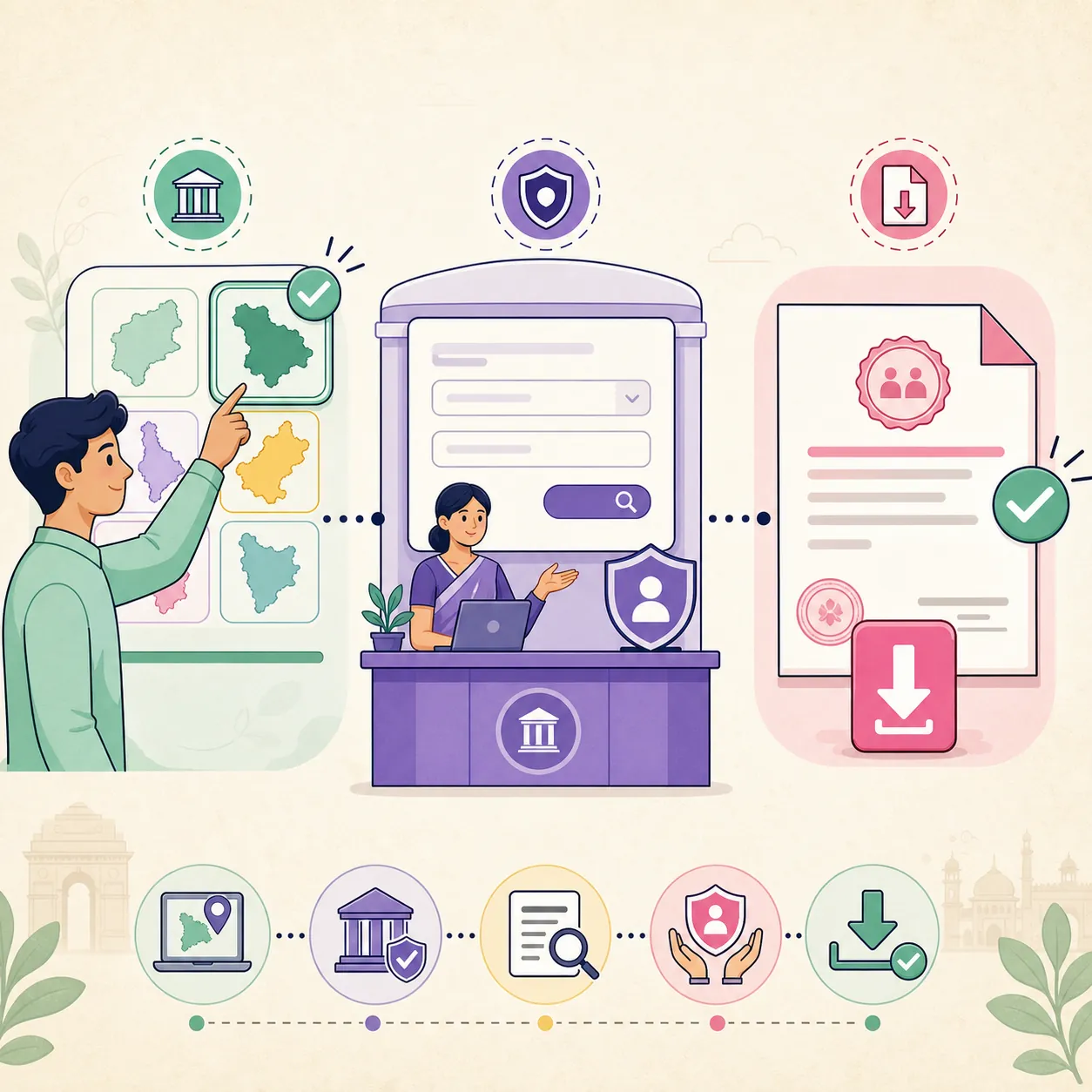
Choose the correct portal action
| Action | Use it when | Expected result |
|---|---|---|
| Download | The authority has approved the request and shows an issued-document or download option. | The official certificate file or print-ready record. |
| Apply | No certificate has been issued or the family relationship still needs review. | A new application, acknowledgement and possible document-verification step. |
| Check status | An application number exists but the document is not yet available. | Pending, approved, rejected, objection or next-step information. |
| Verify | A recipient needs confirmation that an issued document is genuine. | The authority's QR, reference, signature or verification response when offered. |
| Correct or reissue | A name, relationship, date or address is wrong on an issued record. | An official correction or reissue workflow; never an edited PDF. |
Common problems and fixes
The record or download button is missing
Confirm the state, district and action first. A pending application may show only status, while an old paper record may require manual search or digitisation before an online PDF can exist.
The portal asks for a reference number
Look on the acknowledgement, receipt, SMS or email issued during the application. If the number is lost, use the official help or service centre rather than guessing or submitting the same family data to an unknown website.
Names or relationships do not match
Use the authority's correction, objection or reissue process. Do not change the PDF in an editor: an altered document can fail the issuing authority's verification.
The recipient asks for a succession certificate
Legal heir certificates and court-issued succession certificates can serve different purposes. Ask the recipient which document and issuing authority it accepts before paying a fee or filing the wrong application.
A page promises an instant certificate
Treat an immediate-download promise without state selection, identity checks or an official domain as a warning sign. This site only provides navigation and general preparation guidance.
Legal heir certificate and succession certificate are not the same
The phrase legal heir certificate is often mixed with heirship certificate, family-member certificate and succession certificate in search results. Those labels may describe different administrative or court processes. A legal heir certificate is commonly used to identify surviving family members for an authority or service, while a succession certificate can be a court document used for particular debts or securities. The receiving organisation decides what it will accept.
Before opening a portal, write down the purpose: pension, insurance, bank account, employment benefit, property record, municipal service or another request. Then ask the recipient for the exact document name, issuing body, issue-date limit and authentication rules. This prevents a downloadable administrative record from being presented where a court order is required.
Why the state and district matter
The correct route is tied to the authority that keeps the underlying record. A family may live in one place while the death registration or revenue record belongs to another district. Tamil Nadu e-District, Odisha eDistrict and Kerala eDistrict show why state portals should be treated as separate starting points. A link that is correct for one state may send another applicant to the wrong service or an unavailable menu.
Check the domain, department name, service title and privacy notice before signing in. The official portal may redirect to a separate login, document vault or local-body service. A redirect is not automatically suspicious, but the destination should remain within a verified government or named issuing-authority route.
Apply, status and download are different screens
Search results often shorten every action to download. In practice, a portal may have separate screens for a fresh application, payment or appointment, document upload, status tracking, objection response, issued-document download and verification. Choose the screen that matches the state of your request. An application receipt proves that a request was submitted; it does not prove that the certificate has been issued.
If the status is approved but the file is not visible, check the authority's document section, message centre or official service-centre instructions. Save the acknowledgement and status reference. Contact the issuer when the download remains unavailable instead of using a PDF template or a third-party mirror.
Tamil Nadu, Odisha and Kerala examples
Tamil Nadu users may encounter e-District or e-Sevai terminology and a service-specific reference such as a revenue-service code. Odisha users may be directed to eDistrict or a revenue-services route, while Kerala uses its own e-District service structure. These examples help you recognise the official pattern; they are not a promise that every district exposes the same certificate workflow online.
For another state, begin at the state government service directory, district portal or named Revenue department and search for legal heir, heirship or family-member certificate. Keep the state and district visible while comparing results. If an official portal has changed its menu, use the current service index rather than a cached blog link.
Privacy and document-safety checks
A legal heir request can contain names, addresses, family relationships, death details and identity information. Enter only the fields requested by the official service. Never send Aadhaar numbers, OTPs, passwords or complete identity documents through social media, an unverified form or an unsolicited email. On a shared device, log out and remove downloaded personal files after the task.
The guide site does not ask for any of these details. Its role is to help you identify the route and prepare questions. If a page asks for payment or uploads, confirm the domain, department, fee notice and privacy information first. Use an official support channel when a field or fee is unclear.
What to verify in the downloaded PDF
Open the original file and compare the legal heir names, relationship information, dates, address or district, reference number, issuing authority and issue date with the approved application. Look for the authority's digital signature, QR code, verification URL or other authenticity feature when the service provides one. A screenshot may omit the evidence a recipient needs.
Keep the original PDF and acknowledgement together. Do not crop, retouch, merge, or type over the certificate. If the recipient rejects the file, ask whether it needs a newer issue date, translation, attestation, notarisation or a different legal document, then return to the issuing authority for the proper correction or reissue path.
Check the legal heir certificate after download
Open the original PDF and confirm the issuer, names, relationships, dates, reference number and verification feature. Ask the receiving organisation about recency, translation, stamp, attestation or court-document requirements before submitting it. Keep the acknowledgement until the document has been accepted.
If the official page shows only application status, the process is not complete. Wait for approval or follow the authority's next instruction. A status screen, affidavit or blank template is not the final certificate and should not be edited into one.
Legal heir certificate download checklist
- The state, district and issuing authority match the record and purpose.
- The domain, department and service name were checked before entering personal details.
- The correct action was selected: apply, status, download, verify or correction.
- The names, relationships, dates and reference number match the approved record.
- The recipient's format, issue-date, translation and authentication rules are known.
- The original PDF, acknowledgement and correction records are stored safely without edits.
Official source and limitations
Official route types and source pages were reviewed on August 16, 2026, including Tamil Nadu e-District, Odisha eDistrict, Kerala eDistrict and the National Government Services Portal. The issuing authority remains the final source for availability, fees, required evidence, status and acceptance.
India does not provide one public download database for every legal heir record. Issuer, state, district, fee, evidence, delivery method, validity and recipient rules can differ. This guide does not access private records, guarantee an online PDF or replace legal advice or a court document.
Legal Heir Certificate FAQ
Can I download a legal heir certificate online in India?
Sometimes. If the state or district authority has approved the request and exposes an issued-document service, a PDF or digital record may be available. Other cases require an application, verification, affidavit, service-centre visit or manual search.
Is a legal heir certificate the same as a succession certificate?
Not always. They can serve different administrative or court purposes. Ask the bank, insurer, employer, registrar or court-related recipient for the exact document and issuer it accepts before applying.
Which number do I need for a legal heir certificate download?
The portal may ask for an application, acknowledgement, certificate or reference number. Use the number printed in the official receipt or message and contact the issuing service if it has been lost.
What if the legal heir record is not found?
Recheck the state, district, spelling, registration details and action type. Older records may not be digitised. Use the official help desk or service centre for a manual search rather than a third-party search form.
Can I edit the downloaded PDF if a name is wrong?
No. Use the authority's correction or reissue process. An edited PDF may no longer match the issuer's reference, QR code, signature or verification record.
Can I use this certificate for property or bank work?
Only if the receiving organisation accepts that certificate, issuing authority, date and format. Some property, debt or securities matters may require a different court or registrar document.