
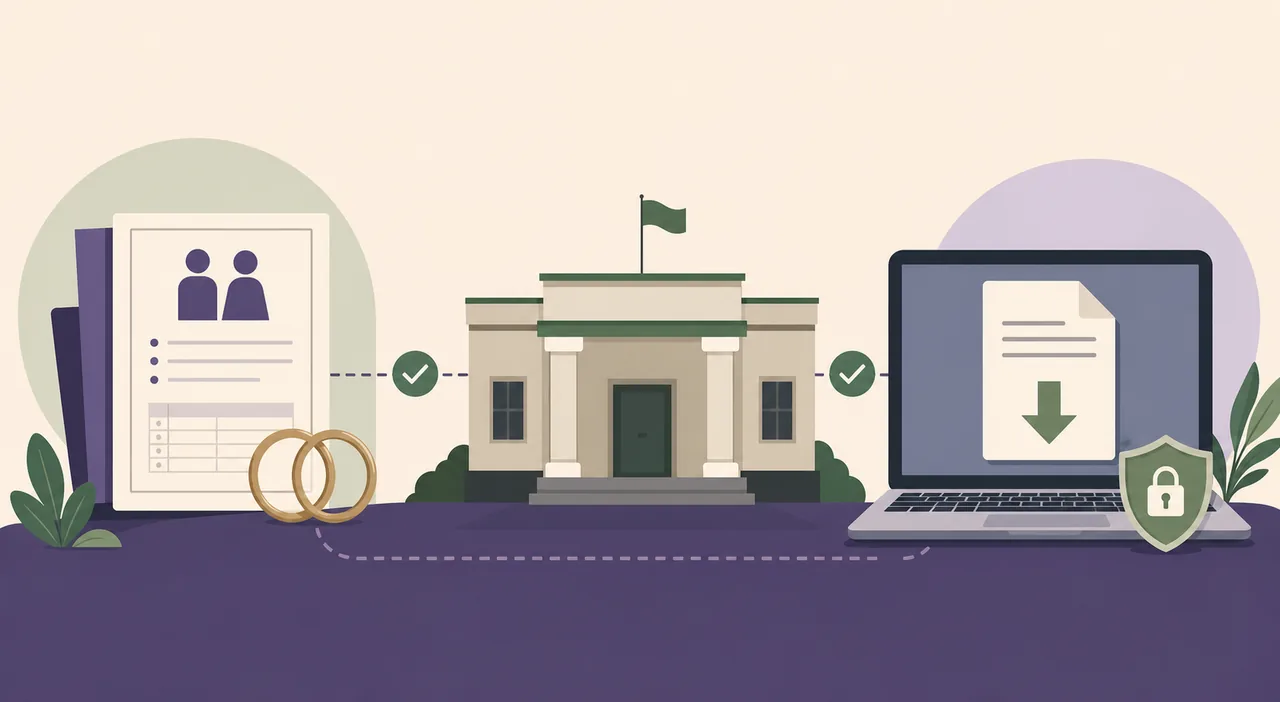
Where to download a marriage certificate online
Start with the authority that registered the marriage. Tamil Nadu services can route users through the Registration Department or the National Government Services Portal, West Bengal uses the Registrar General of Marriages MARREG portal, and Karnataka directs applicants to Kaveri. Municipal bodies such as the Municipal Corporation of Greater Mumbai and state services such as Goa Online may operate their own registration or certified-copy routes.
The words apply, status, search, certified copy, verify and download describe different tasks. A couple registering a marriage for the first time must complete the application and registrar process before a certificate exists. A person whose registration is approved may need an issued-document, search-record or certified-copy service rather than the original application form. The exact button and login method vary by authority.
What you need before downloading
- Marriage registration number, certificate number or application reference, when available.
- Names of both spouses exactly as recorded, including the same spelling and order used in the register.
- Date and place of marriage plus the district, sub-registrar, marriage officer or municipal body that recorded it.
- Registered mobile number, citizen account or OTP access when the official portal requires authentication.
- Application receipt or acknowledgement for a recently approved registration or certified-copy request.
How to download Marriage Certificate
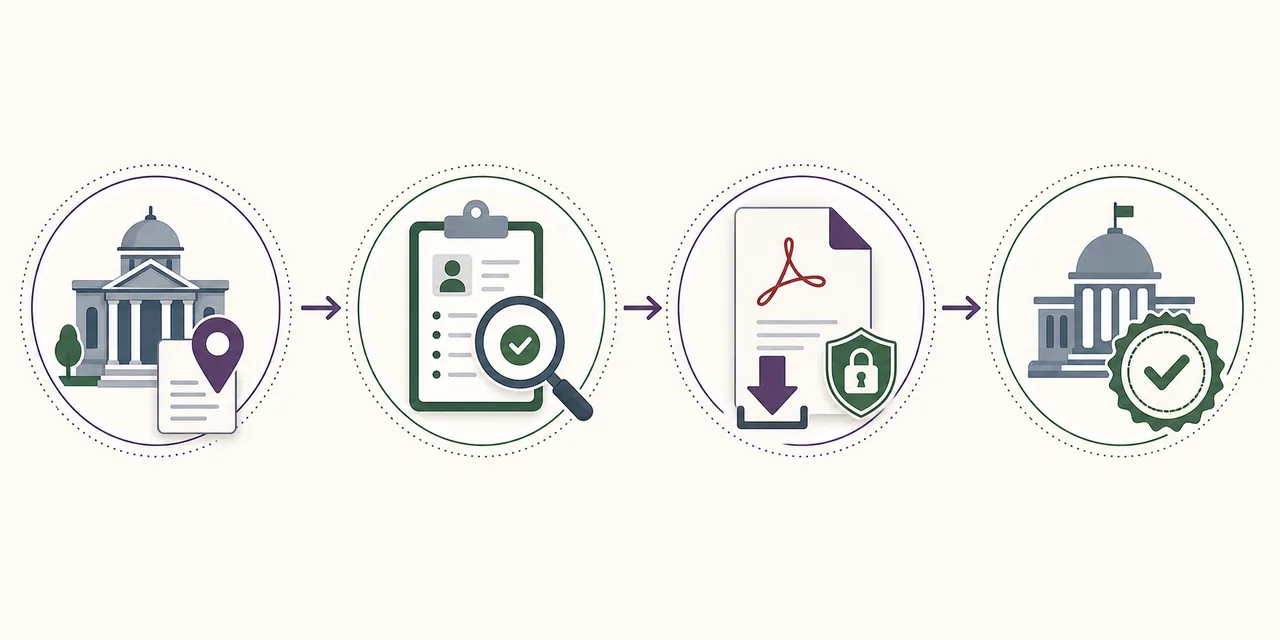
- Identify the registrar: Confirm the state, district, marriage officer, sub-registrar or municipal body that recorded the marriage. The current home address is not enough if registration occurred elsewhere.
- Open the matching official service: Use the government directory or a verified state route such as Tamil Nadu registration services, West Bengal MARREG, Karnataka Kaveri, Mumbai municipal services or Goa Online.
- Choose the correct task: Select search, issued certificate, certified copy, status or download for an existing registration. Use apply only when the marriage has not yet been registered in that system.
- Enter exact record details: Use the registration or application reference and the registered spellings, date and registrar location. Do not submit private details to an unofficial PDF or template website.
- Verify and save the original file: Check the issuing authority, certificate or registration number, names, date and any QR code, signature or verification reference before saving the PDF.
Choose the correct portal action
| Action | Use it when | Expected result |
|---|---|---|
| Download | The marriage is already registered and the authority provides an issued digital certificate or certified-copy file. | Registrar-generated PDF, digitally signed record or printable certified copy. |
| Check status | Registration, correction or certified-copy processing is still pending. | Approval, objection, appointment, payment or delivery status. |
| Verify | A consulate, employer, bank or public office needs to confirm an issued certificate. | Portal record, QR or certificate-number verification where offered. |
| Apply or request a copy | The marriage is not registered online, the original is unavailable or a certified copy is required. | A registrar application and possible appointment, document review or fee—not an immediate download. |
Common problems and fixes
The marriage record is not found
Check the registrar, district, act and year before assuming the record is missing. Older entries may remain in a physical register or a different municipal system and may require a certified-copy search.
The application is approved but no PDF appears
Look for issued certificate, search record, certified copy or document wallet sections. Some authorities deliver the file by registered email or require collection from the registrar.
Names or dates do not match
Do not edit the PDF. Use the registrar's correction process with supporting records so the official register and the reissued certificate remain consistent.
Marriage certificate download routes by state
Tamil Nadu search demand often uses phrases such as Tamil Nadu marriage certificate download or TN marriage certificate download. The official route can involve Registration Department services and a search for marriage registration data. West Bengal's MARREG portal provides online marriage registration information, record searching and a certified-copy process. Karnataka's Department of Stamps and Registration directs marriage certificate applicants to Kaveri. These systems do not share one account or one certificate-number format.
Other states and cities can use separate citizen-service platforms. Mumbai municipal services publish marriage registration guidance, Goa Online provides a marriage certificate service, and ServicePlus or state eDistrict platforms list marriage-related services for participating authorities. Because service ownership can move, verify the department name and domain on the current page instead of relying on an old bookmarked deep link.
Application, registration, certified copy and download are not the same
A marriage certificate is produced only after the legally responsible marriage officer or registrar completes the applicable process. An online application receipt, appointment slip, fee receipt or notice is not the final certificate. If the marriage has not been registered, the couple may need identity and age proof, address evidence, photographs, proof of marriage and witnesses according to the applicable law and local authority. Requirements vary, so this guide does not present one universal document list as a legal rule.
After registration, a normal marriage certificate download may be available in an issued-document area. A certified copy is a separate service in some jurisdictions and can involve a search of the register, a fee or registrar approval. Verification is another task: it confirms the issuer's record but does not correct a spelling or replace a missing certified copy. Choosing the correct task prevents repeated applications and protects personal documents from unnecessary uploads.
Privacy and authenticity checks
Marriage records contain names, dates, addresses, photographs and identity information. Use this site only to identify the authority, then complete the search on the official domain. Do not send Aadhaar images, OTP codes, signatures, witness details or the downloaded certificate to a directory, messaging account or template seller. On a shared device, sign out of the government service and remove locally saved files after transferring them safely.
Before using the certificate, check the registrar or marriage officer, registration number, names, date and place of marriage, issue date and any official verification feature. Preserve digital signatures, QR codes and annexures. If a foreign authority, court, bank or employer requires apostille, attestation, translation or a recently certified copy, confirm that requirement separately; downloading the registrar's file does not automatically complete those later procedures.
What to check after the marriage certificate download
Keep the registrar-generated PDF rather than only a screenshot. Check both spouses' names, marriage date and place, registration or certificate number, issuing authority and issue date. Preserve every page, digital signature, QR code and verification reference.
Ask the receiving organisation whether it accepts the digital file, a normal print, a certified copy, an attested copy or an apostilled document. If anything is wrong, return to the registrar for correction instead of editing the file.
Marriage certificate download checklist
- The portal belongs to the state department, marriage registrar, sub-registrar, eDistrict service or municipal body that recorded the marriage.
- The selected task is download, issued certificate, certified copy, search or status—not a new application by mistake.
- The registration reference, names, date and registrar location match the official record.
- The original PDF retains its digital signature, QR code, certificate number and all pages.
- No Aadhaar, OTP, signature or certificate file was submitted to an unofficial directory or template website.
- The receiving organisation's certified-copy, attestation, translation or apostille requirement has been checked separately.
Official source and limitations
Official routes reviewed on July 29, 2026: the National Government Services Portal, ServicePlus, West Bengal MARREG and Karnataka Department of Stamps and Registration/Kaveri. State and municipal registrars remain the final authorities.
Online coverage, required documents, fees, appointment rules, record-search fields and certified-copy delivery vary by act, state, registrar and registration year. This site cannot access or correct private marriage records.
Marriage Certificate FAQ
Can I download a marriage certificate online in India?
Yes, when the responsible registrar offers an issued-document, record-search or certified-copy service. The route depends on the state or local body that registered the marriage.
How do I download a Tamil Nadu marriage certificate online?
Use the current Tamil Nadu Registration Department or linked government service, then choose the record search or certificate service that matches the registration. Prepare the reference number, registered names, date and registrar details.
How do I download a marriage certificate in Karnataka?
Karnataka's Department of Stamps and Registration directs citizens to Kaveri for online marriage services. Use the issued or certified-copy route appropriate to the record rather than starting a duplicate application.
Can I download a marriage certificate by name only?
Usually not. Portals commonly need a registration or application reference plus the registered names, date, district or registrar to avoid false matches.
Is an online marriage certificate PDF valid?
Use the file generated by the issuing authority and preserve its signature, QR code or verification reference. The receiving organisation decides whether it also requires a certified, attested or apostilled copy.