

How to choose community certificate downloads
Read the exact certificate named by a school, employer, scholarship notice or other recipient. Caste, community, SC, ST, OBC, OBC-NCL and EWS are not interchangeable. State services may use local labels, combine details in one record or separate application and verification. The notice and issuer determine what is accepted.
For a community certificate download, identify the state and issuing office, then choose apply, status, download or verify. A government directory lists a Puducherry Permanent Integrated Certificate that can include residence, nationality, caste/community and income. This is one local example, not a nationwide rule.
Compare the certificate request before you apply
Use this table to frame a question for the issuer. It does not replace current state rules or the receiving organisation's notice.
| Request label | What it may refer to | What to confirm |
|---|---|---|
| Caste certificate | A state or local service may use this term for proof of a listed category. | Confirm the applicable list, issuer and exact name in the notice. |
| Community certificate | Some services use community in the official name; the scope depends on the jurisdiction. | Do not assume another state uses the same label or accepts the same document. |
| SC or ST certificate | A category-specific request tied to an applicable list and submission purpose. | Follow the current notice and the named issuer's instructions. |
| OBC or OBC-NCL certificate | OBC and non-creamy-layer requests can use different lists and criteria. | Check whether the purpose is state or central and which list applies. |
| EWS certificate | An economic-category request with its own rules, not another caste-certificate name. | Use the current notice and issuer criteria. |
Five steps to find the right state certificate route
- Read the request: Copy the document name and purpose from the current notice. Ask the recipient to clarify an ambiguous label.
- Identify the jurisdiction: Use the state or union territory required by the service rules; residence and record history can matter differently by document.
- Find the issuing authority: Start with the government service directory or state e-District portal. Confirm the domain and department name.
- Choose the correct action: Apply, check a pending status, download an issued record or verify a number. These are separate tasks.
- Check before submitting: Review current documents, fees and correction rules. Enter personal data only on the official service.
Category labels are not a universal document map
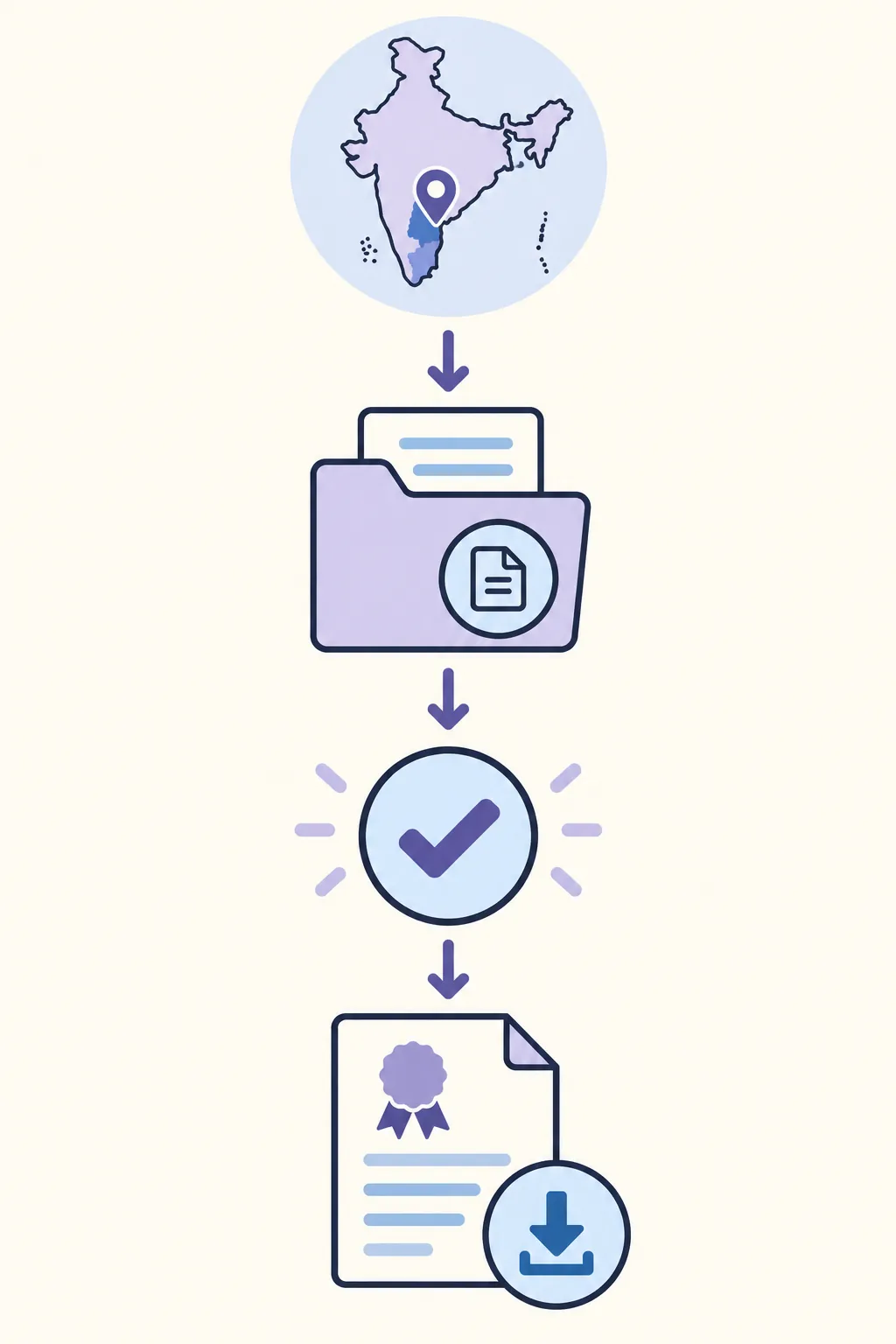
A label on one state's portal cannot define the same term everywhere. Departments may use caste, community, social category or an integrated title. The applicable list, purpose, issuer and accepted format can differ. Use an online guide to frame questions, then rely on the relevant jurisdiction's current rules and service instructions for eligibility and acceptance.
Keep category and route separate. SC, ST, OBC, OBC-NCL and EWS can be different requests, while community may be a local service name. Do not turn a similar label into a legal conclusion. Use the receiving notice's wording and ask the issuer which official service matches it.
- Do not submit an EWS document as though it were a caste certificate, or the reverse.
- Check whether OBC-NCL, a state OBC certificate or another category is requested.
- Use a state-specific guide only when its jurisdiction matches the application.
Choose the issuer before collecting documents
The issuer may be a revenue department, district authority, e-District service or authorised centre. Start from a government service directory or known state domain. A search result or private guide can help locate a service, but cannot prove that a destination is the issuer or that its form is current.
Before uploading, compare the portal's department and domain with the directory entry. Read its current instructions about appointments, fees or in-person checks. Do not send certificate scans to a guide site; only the authority handles applications, verification and decisions.
Apply, track, download and verify are different actions
An application creates a request; status reports progress; download retrieves an issued file; verification checks an existing record. These actions cannot replace one another. A pending request may have no final certificate to download, and a receipt is not the issued document.
Use the reference on an official receipt. If sign-in requires a registered mobile, stay on the issuer's domain and never share an OTP. For a lost number, use the authority's recovery route instead of guessing or paying an unverified agent.
Integrated certificates and older records need an issuer check
Some jurisdictions issue one document with several details. The Government Services Portal's Puducherry entry describes a Permanent Integrated Certificate that can include residence, nationality, caste/community and income. It is a local example, not proof that every state uses or accepts the same document.
If an older certificate is missing online, check the district, office, spelling and reference on the original receipt. The record may not be digitised or may need a manual search. Ask the original office about reissue, correction or a certified copy; an empty search alone does not mean rejection.
Protect the record after it is issued
Download from the issuer and keep the original PDF unchanged. Check the name, category, authority, date and reference. Use the official verification method if requested; an edited scan may lose a signature or QR code.
Store the file privately and share only what the recipient needs. If a field is wrong, use the official correction route. The authority or recipient decides whether a digital PDF, printout or certified copy is accepted.
Three examples of a safer route choice
Before you apply or download
- The notice names the category and document you plan to request.
- The jurisdiction and issuer match the service rules.
- You selected apply, status, download or verify for the right stage.
- The domain and department match the government directory.
- You reviewed current documents, fees and correction instructions.
- Personal information and OTPs stay on the issuer's official service.
- The downloaded original remains unchanged and private.
Common problems and what to do
The portal name does not match the notice
Pause and ask the recipient whether it accepts that state certificate. Ask the issuer which service matches the category.
The record is not found online
Check the district, number and spelling. Older records may need a manual search; contact the issuing office.
The download is unavailable while status is pending
Use the official status page and complete the next step requested. A pending request is not an issued certificate.
Community certificate downloads FAQ
Is a caste certificate the same as a community certificate?
Not everywhere. The scope and accepted document depend on the jurisdiction and purpose. Confirm the name with the recipient and issuer.
Are OBC, SC, ST and EWS certificates interchangeable?
No. These requests can have different lists, criteria and authorities. Follow the category named in the current notice.
Can I use a certificate from one state in another?
It depends on the purpose and rules. Ask the recipient which list and format it accepts before submitting a document.
Can I download a certificate using only a name?
Some services allow limited searches; others require a number, registered mobile or account. Use only the issuer's search options.
What should I do if an old certificate is missing online?
Confirm the issuer and record details, then ask about a manual lookup, digitisation or reissue. An online search failure does not cancel the record.
Does this site issue or verify certificates?
No. This is an independent guide. Applications, payments and official verification happen on the issuing authority's service.
Official source and limitations
Government service directories help identify a starting route. Always open the linked issuing service and read its current rules before applying or entering personal information.
- Puducherry Caste/Community Certificate service listing — Government Services Portal listing for a Puducherry Permanent Integrated Certificate; used here as a jurisdiction-specific example.
- National Government Services Portal — Directory for locating government services by state, department and service name.
Eligibility, service names, required documents, fees and acceptance rules vary by jurisdiction and may change. Last reviewed 23 October 2026; confirm details with the current issuing authority and the organisation requesting the certificate.