
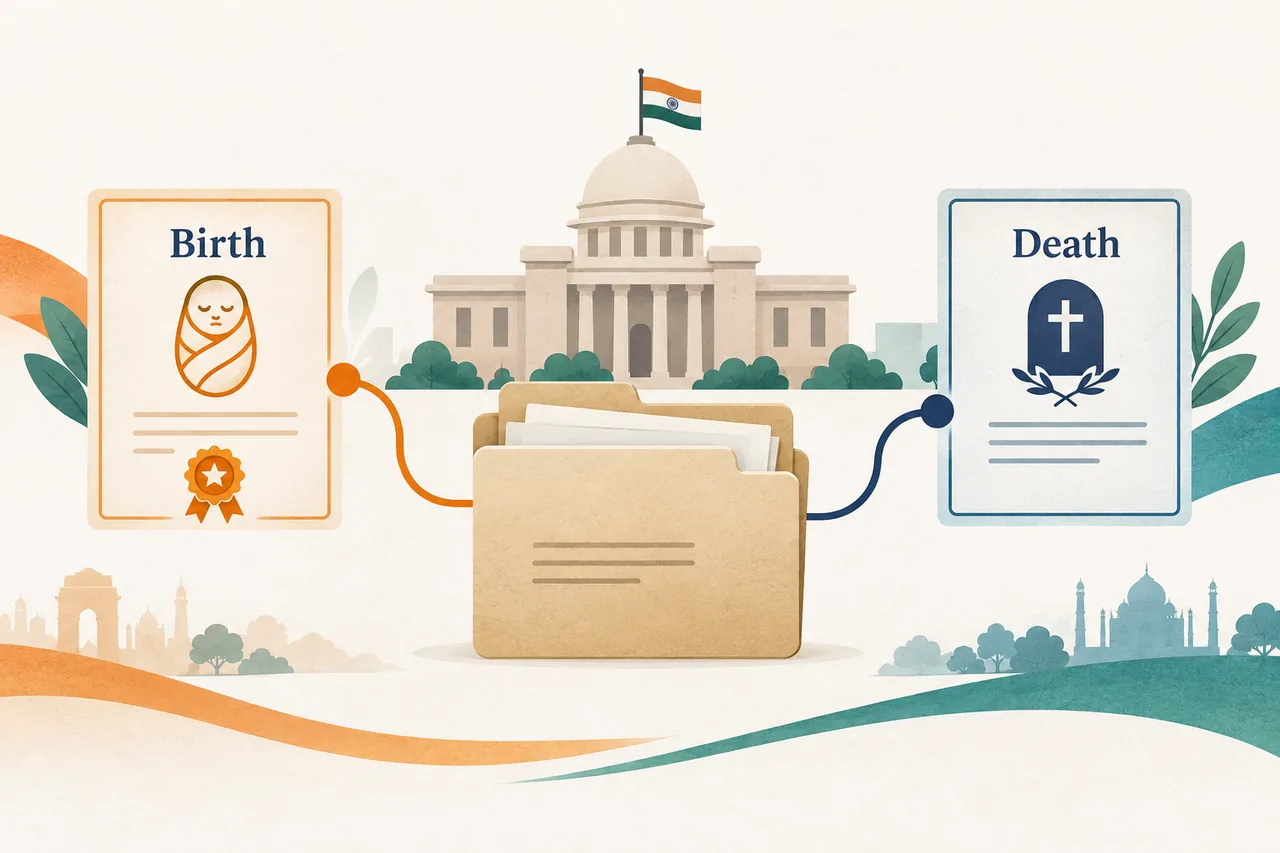
How to find the right birth or death certificate download
Start with the place where the birth or death was registered, rather than the applicant's current address. A state civil-registration department, municipal corporation, panchayat or local registrar may own the record. The same family can therefore use different portals for events registered in different districts. The national Civil Registration System can point users toward participating services, but a local portal may still handle the final search and PDF.
Before opening a portal, decide whether you need an issued-document download, an application-status check, a correction, verification or a new registration. These actions often appear beside one another and lead to different forms. A registration number, event date, place, name spelling and issuing local body are usually more useful than a broad name-only search. Old paper records may need a manual lookup or digitisation request before an online copy exists.
Choose the certificate route that matches your record
Five steps before you download a certificate
- Identify the registrar: Write down the state, district, municipality, corporation, panchayat or other local body that recorded the event. A current address is not a substitute for the registration jurisdiction.
- Select the document action: Choose download or issued-certificate search when the record already exists. Choose status for a pending application, and use correction or delayed registration only when the official instructions require it.
- Prepare matching details: Keep the registration number, event date, place and names exactly as shown on the receipt or older certificate. Differences in spelling and date format can hide a valid record.
- Use the official domain: Check the domain and organisation name before entering an OTP, payment detail or record number. Our links are signposts; authentication and payment happen on the authority's site.
- Review the issued file: Confirm the name, event date, place, registration number, issuing authority and digital signature or QR before printing or sharing the certificate.

Birth and death records are separate services
A birth certificate establishes a person's recorded birth details, while a death certificate records a death event and its registrar. They are not interchangeable forms, even when the same state department hosts both services. A portal may use similar labels, yet the required applicant relationship, supporting documents and verification rules can differ. Follow the page for the exact document instead of assuming that a birth search can be changed into a death search.
The purpose of the download also matters. School admission, passport work, inheritance, insurance and court matters can require an issued PDF, a certified copy or a verification response. Save the original file and preserve the QR code, signature, reference number and issuing details. If an office asks for a certified copy, a home printout may not meet that requirement; ask the registrar what format is accepted.
Choose the state, district and local body carefully
Civil records follow the registering authority. A child born in one city but living in another is normally searched through the place of birth. A death registered by a municipal corporation may not appear in a rural panchayat search. For older events, the responsible office may have changed names or moved the service to an e-District, municipal or state portal. Record the authority shown on the receipt before trying another site.
Use the state guides on this site as a decision aid, not as a promise that every local record is online. If a state page sends you to a municipal service, follow that hand-off and check the official branding on the destination. When the state is known but the district is not, look at the registration number, hospital or local-body receipt and family documents rather than guessing from the current residence.
Download, status, verify and apply are different actions
Download is appropriate when the record has already been issued and the portal can produce a digital copy. Status is for a submitted request that is still under review, awaiting payment, correction or registrar approval. Verify is for checking an existing document with a number, QR code or reference. Apply starts a new registration, delayed registration or correction process and normally cannot produce an immediate certificate.
Choosing the wrong action can create duplicate applications or make a user think a missing record has been rejected. Read the labels, note any application number and use the portal's help text. If the record is found but the download button is disabled, finish the required approval or payment step instead of using an unofficial mirror. Keep screenshots only as a reminder; the official PDF remains the source document.
Use an official PDF safely after download
Open the file with a trusted PDF viewer and compare it with the details you submitted. Check names, dates, places, registration numbers, the registrar's seal, QR or digital signature and any correction note. Do not crop, rewrite or resave the document to hide an error. Ask the issuing authority for a correction or certified replacement when a field is wrong.
Store the original in a private location and share only the copy needed for the purpose. Birth and death certificates contain personal and family information, so do not upload them to random verification sites. If a school, bank, insurer or court needs a particular format, ask that organisation whether it accepts a digitally signed PDF, a printed copy or a certified extract before you submit it.
Common problems and practical fixes
The record is not found
Recheck the registrar, event date, spelling and local body. Search the state or municipal route rather than switching to a generic document website. An older paper entry may require a manual search or digitisation request.
The portal asks for a registration number
Look at the old certificate, hospital acknowledgement, receipt or application message. If the number is lost, use the authority's help desk or search option; do not guess numbers repeatedly.
The application is still pending
Use the status action with the application or acknowledgement number. Pending review, correction and payment stages are different from a failed download and may need registrar action.
The PDF has an error or will not verify
Keep the original file and note the reference number. Use the official correction or verification process, and contact the issuing authority if a QR or signature fails on the authority's own checker.
Before sharing a certificate
- The state, district and registering authority match the event.
- The action was download, status, verify or apply for the correct reason.
- Names, dates, place and registration number match the official record.
- The PDF came from the authority's domain and retains its QR or signature.
- A certified copy requirement was checked with the receiving organisation.
- Personal details were entered only on the official portal.
- The original file is stored privately and a copy is shared only when needed.
Birth and death certificate download FAQ
Can I download a birth or death certificate by name alone?
Some services offer limited searches, but many require a registration number, date, location or other matching field. Name-only searches are uncommon because civil records contain sensitive information.
Which portal should I use if the event happened in another state?
Use the state, municipal or local registrar that recorded the event. Your current residence does not normally move the original civil record to a different jurisdiction.
What is the difference between download and status?
Download retrieves an issued document. Status shows progress for an application or correction. A pending request may not have a downloadable certificate yet.
Why is an old record missing online?
The register may predate digitisation, use a different local body or require a manual search. Contact the office that holds the original register and ask about a certified search or digitisation route.
Is a digitally signed PDF acceptable?
Acceptance depends on the school, employer, bank, court or other recipient. Keep the original signature, QR and reference details, and ask the recipient whether a certified paper copy is also required.
Official source and limitations
The national Civil Registration System is a starting point for participating registrar services. State and local authorities remain responsible for their own records, fees, identity checks and issue decisions.
- Civil Registration System (CRS) — National civil-registration information and participating service access.
- National Government Services Portal — Government service directory for finding state and local services.
Portal names, fields, fees and digital coverage can change. Last checked 7 October 2026; confirm the destination and current instructions on the official domain before submitting personal information.